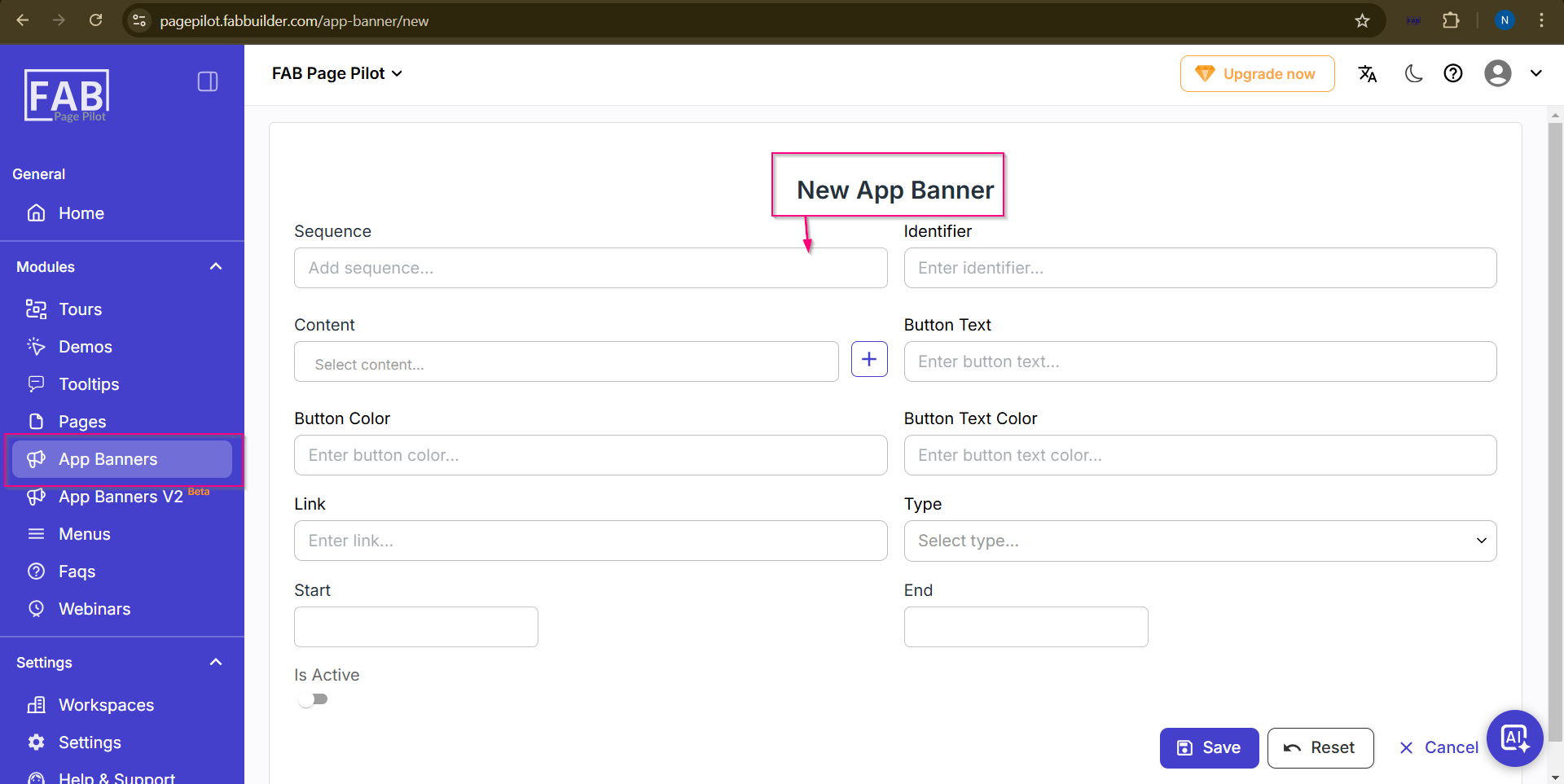
App Banner New
This page allows the user to create a new App Banner by clicking on the “New Banner” tab available on the App Banner landing page.
The user must fill in all the required fields in the App Banner form. After entering the necessary details, click on the “Save” button to create the banner successfully.