Page Pilot Content Management – Create, Manage, and Export Easily
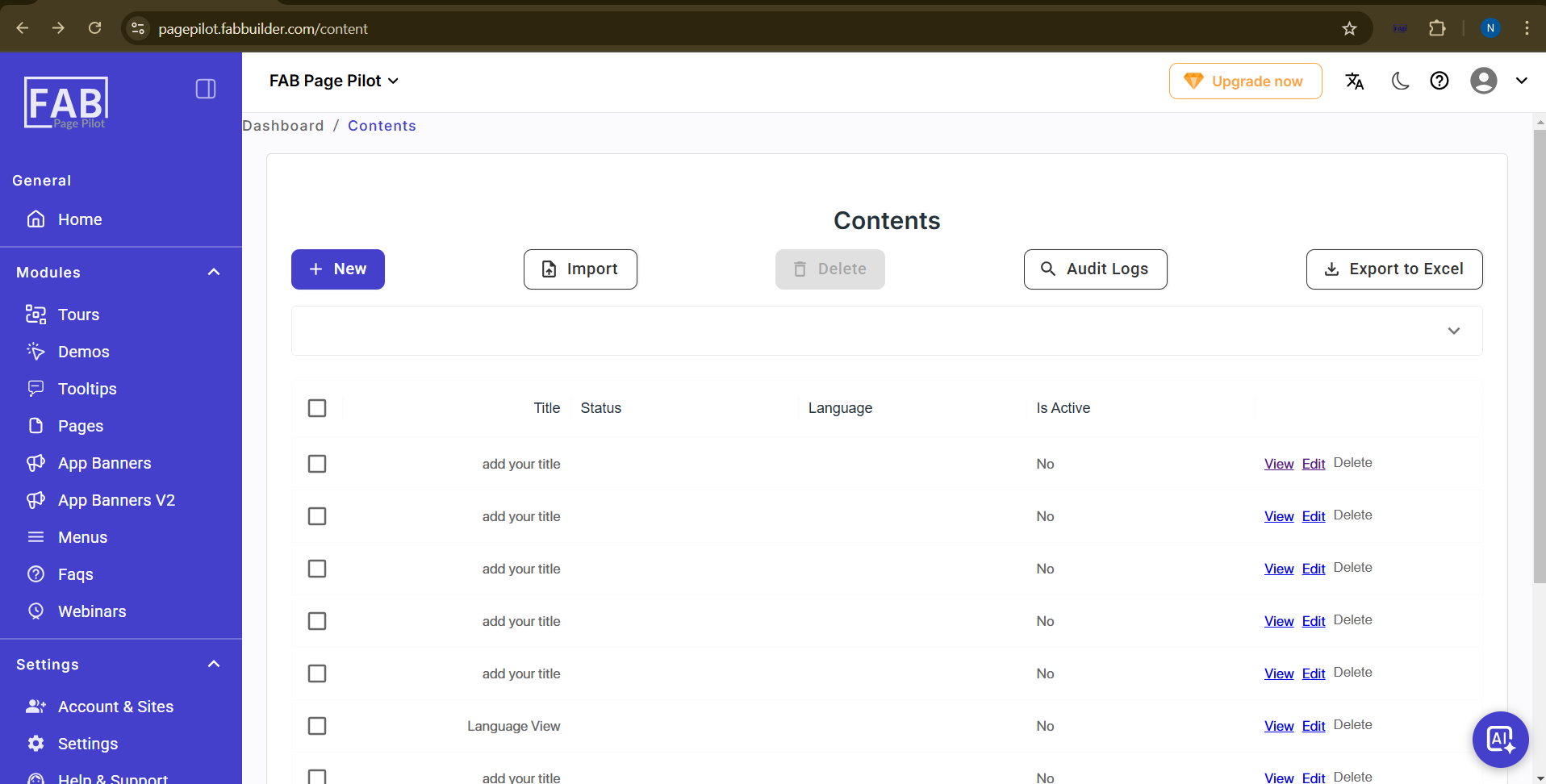
Contents Screen
This screen displays the list of all created contents in the system.
From this screen, the user can:
- Click New to create new content.
- Click Import to add content in bulk using a template.
- Select content and click Delete to remove it.
- Click Audit Logs to view activity history.
- Click Export to Excel to download the content list.
Each content entry shows details such as Title, Status, Language, and Active state.
For each record, the user can click View, Edit, or Delete to manage the content.