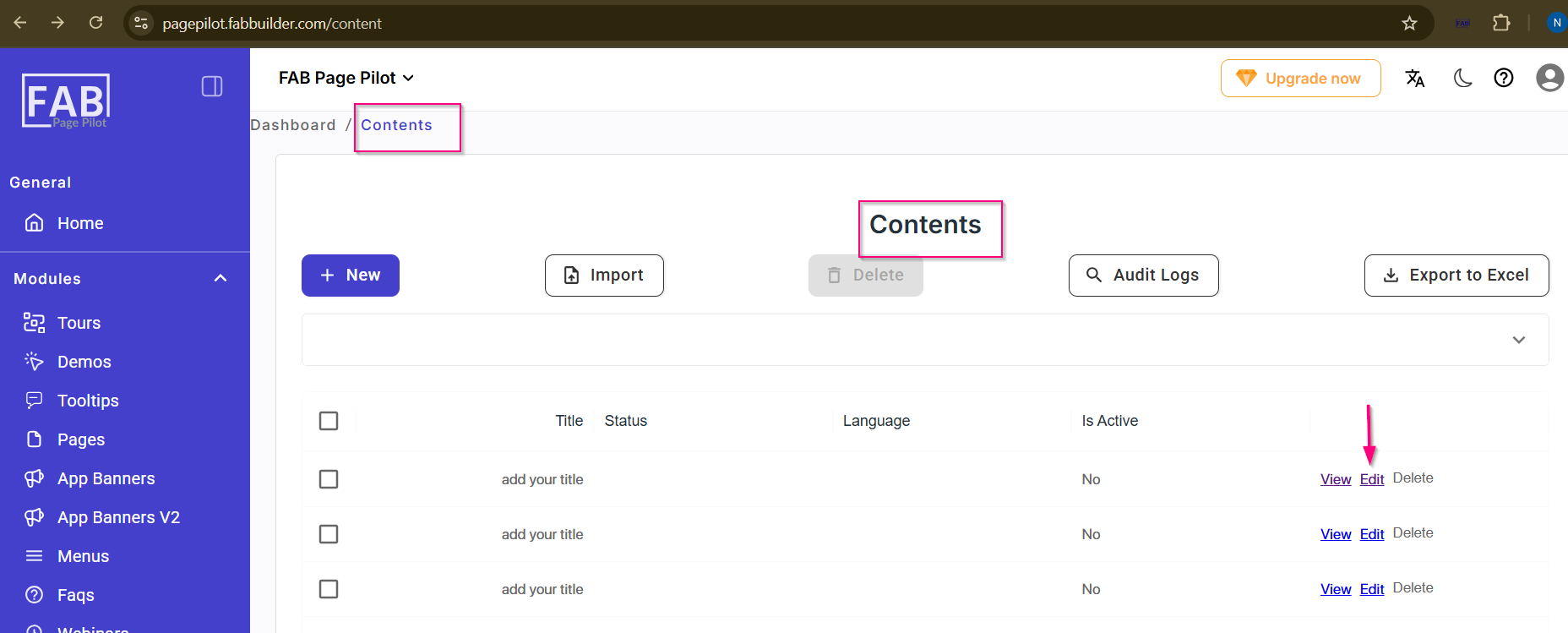
Content Edit
This screen allows the user to edit t he created added already .
On this screen, the user can:
- Enter a Title (mandatory field).
- Edit content using the rich text editor.
- Insert images or videos within the content area.
- Upload an image separately if required.
- Upload or record a video for the content.
- Select the Status of the content.
- Choose or add a Language.
After filling in the required details, the user can click Save to create the content, Reset to clear the form, or Cancel to exit without saving.
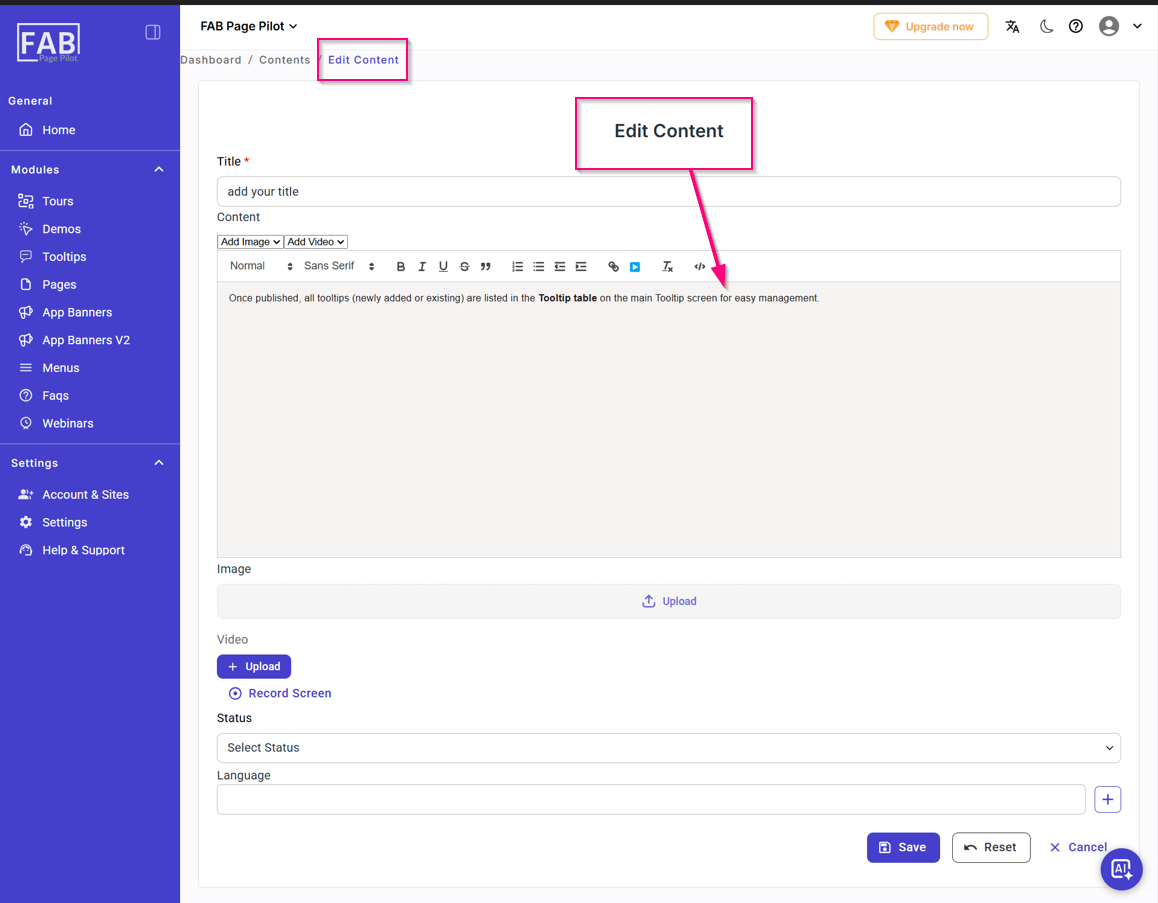
Screen- Edit content
User can edit content by clicking on edit tab on content screen