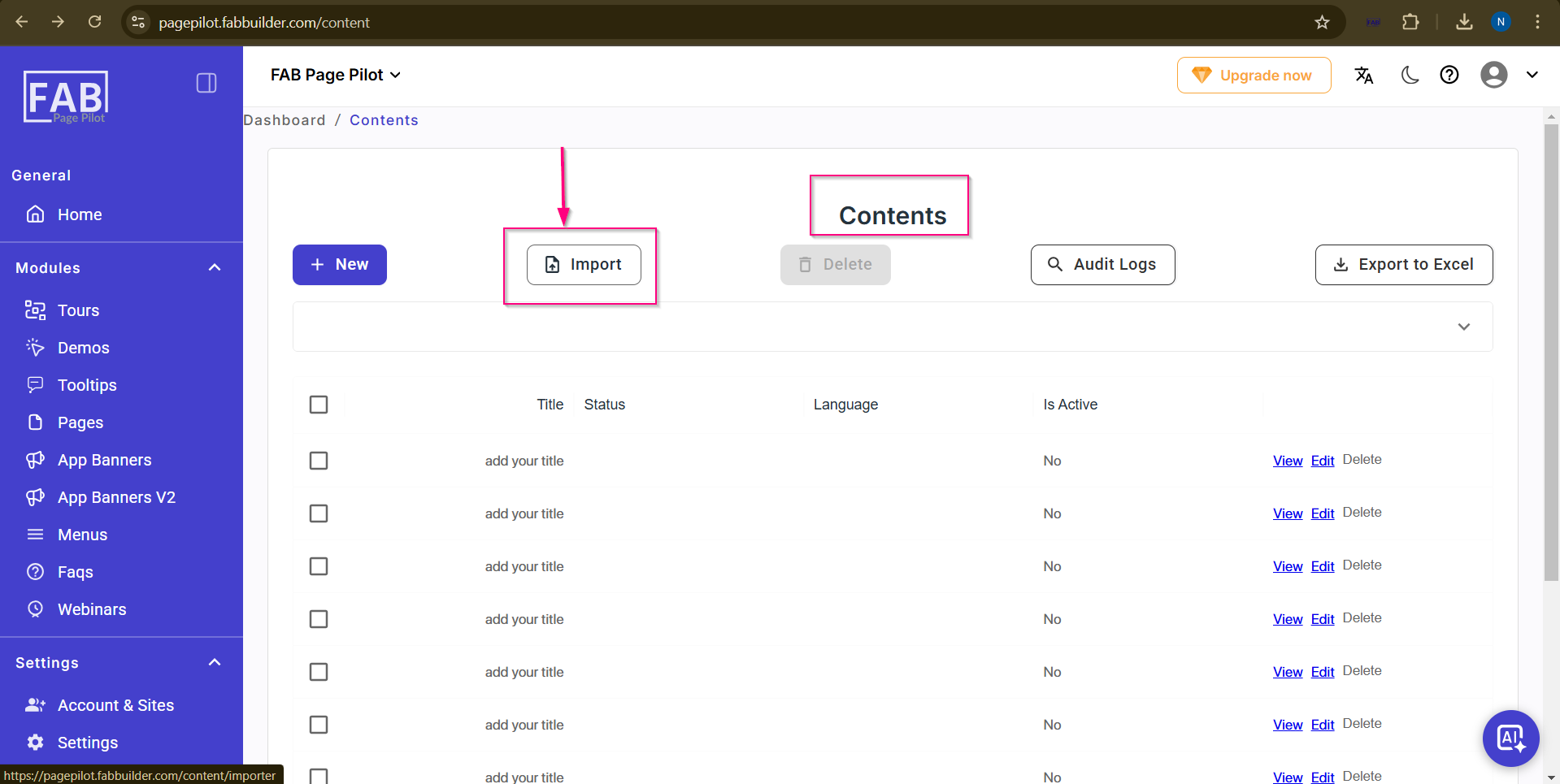
Content Importer
Import
The Import option allows the user to upload multiple content records at once by importing a file.
Using this option, users can quickly add content in bulk instead of creating each entry manually.
On this screen, the user can:
- Download the template to understand the required format for content data.
- Fill in the content details in the downloaded template file.
- Upload the file by clicking or dragging it into the upload area.
Once the file is uploaded, the system processes the data and adds the content records automatically.
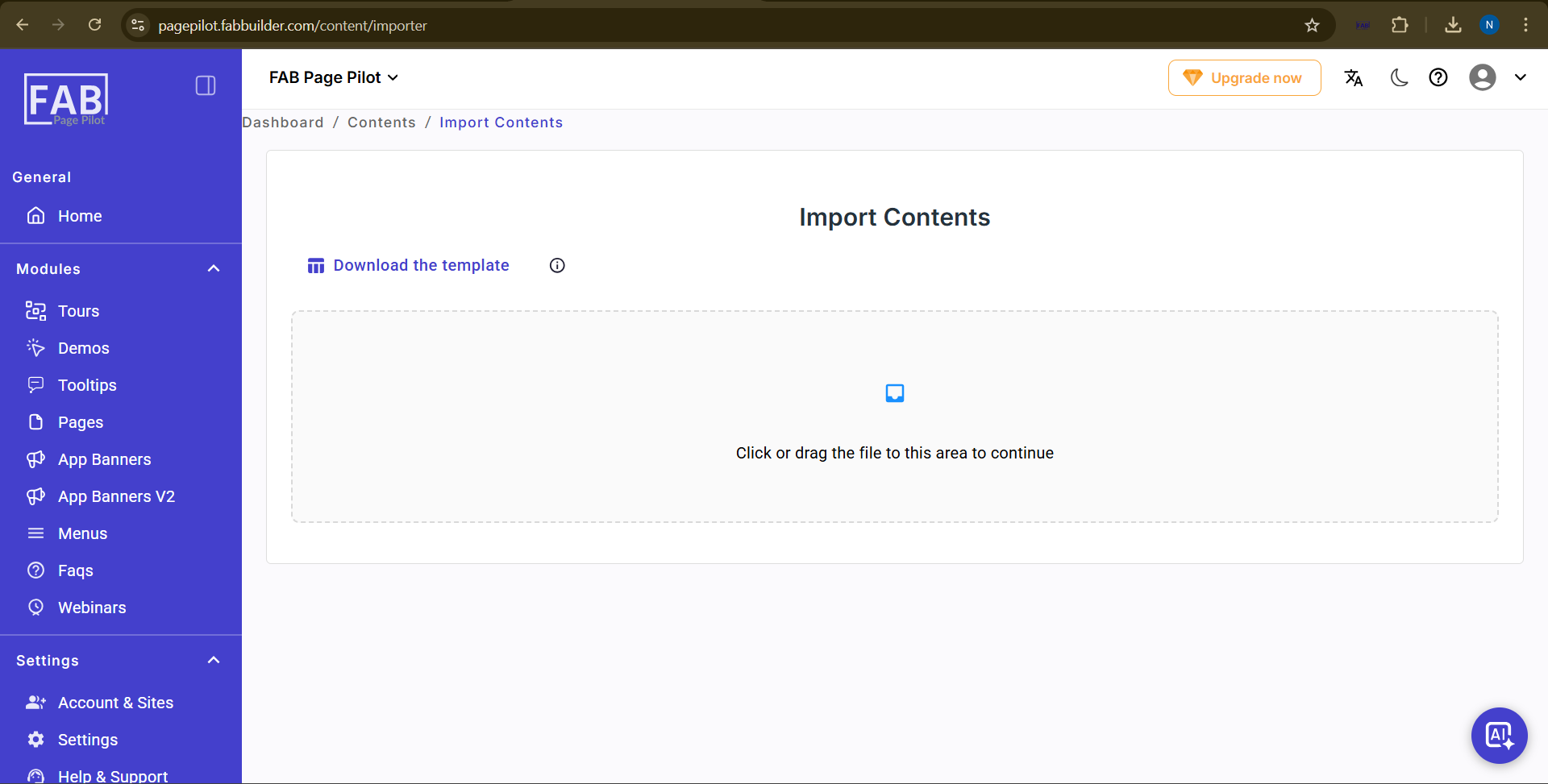
User can navigate this import content screen (above) by clicking on import button on content screen as shown below.