Content View
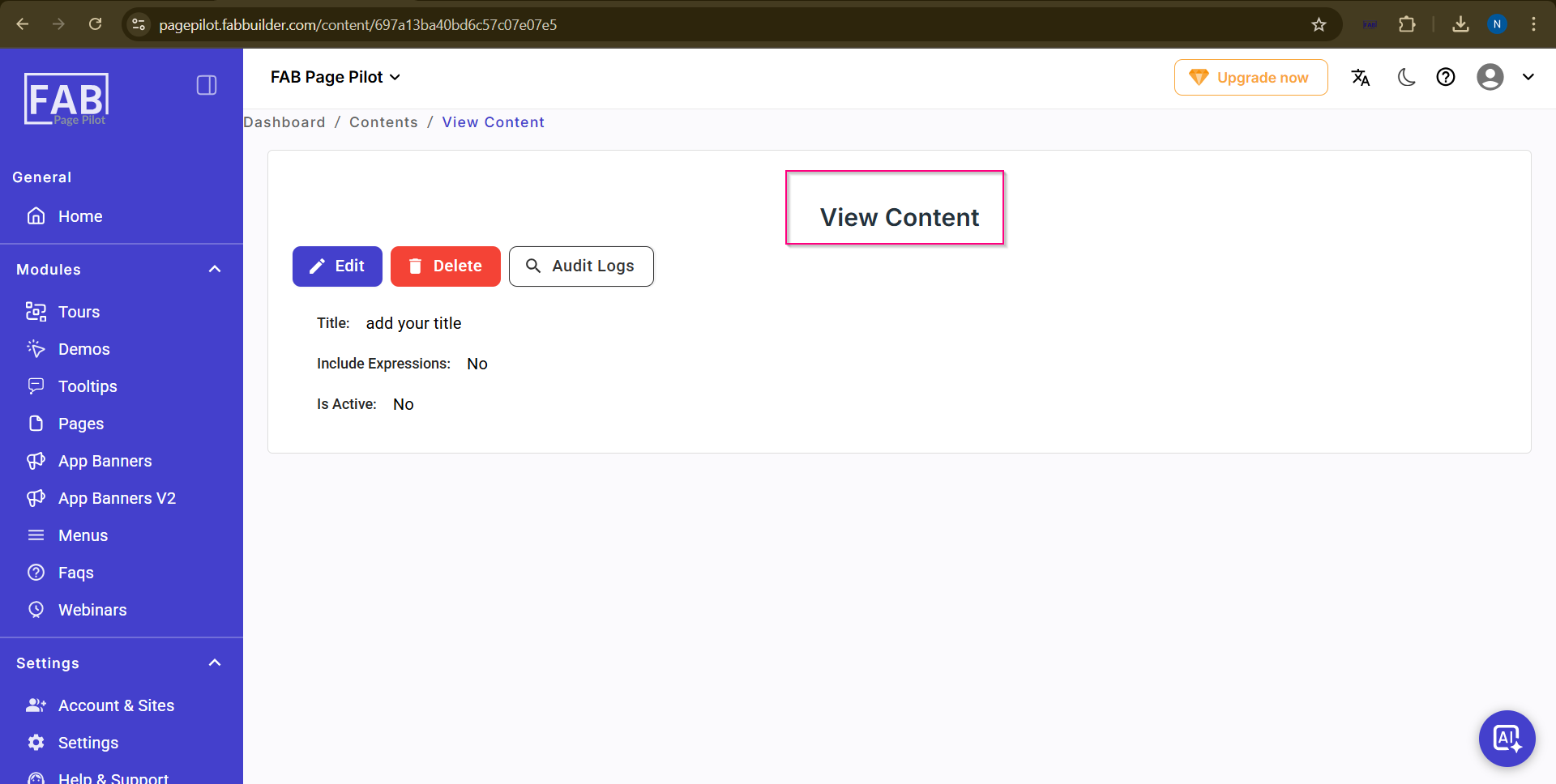
View Content Screen
This screen allows the user to view the content details.
On this screen, the user can:
- View the content title and status details.
- Check whether the content is active.
- Click Edit to modify the content.
- Click Delete to remove the content.
- Click Audit Logs to view the activity history related to the content.
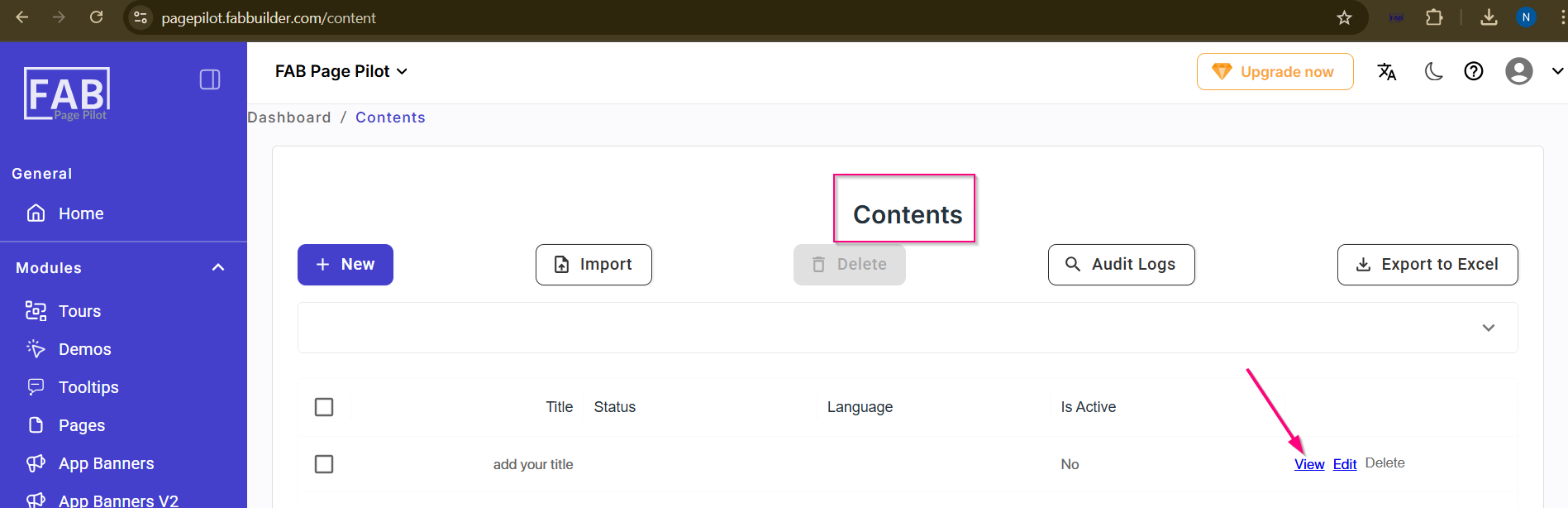
This screen can be accessed by clicking the View option from the Contents list screen.
Screen- View Content Tab