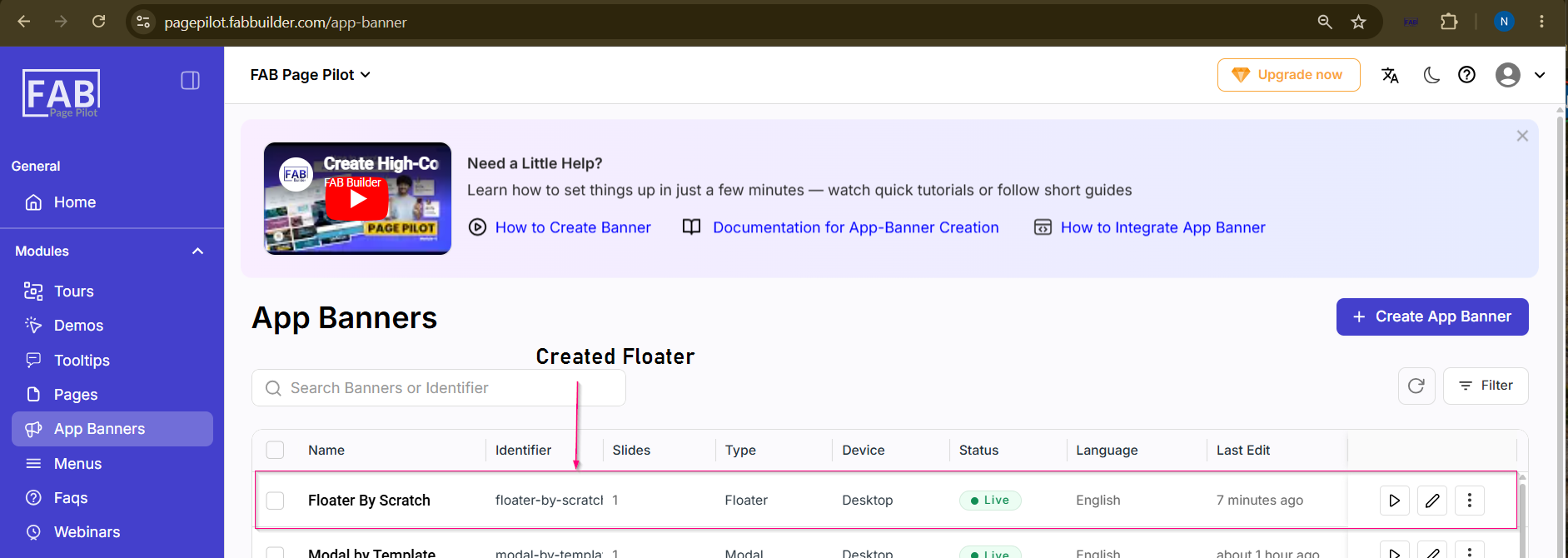
Create a Floater – By Scratch MethodA Floater App Banner is a small, non-blocking banner that appears on top of a webpage or application without interrupting the user's current activity. Unlike a modal, a floater does not prevent users from interacting with the page. After successfully logging in, navigate to the App Banners module from the left-side navigation panel and follow the steps below. Step 1: Open the App Banners ModuleClick App Banners from the left-side navigation panel. Step 2: Create a New App BannerClick the Create App Banner button. The App Banner Details form appears.
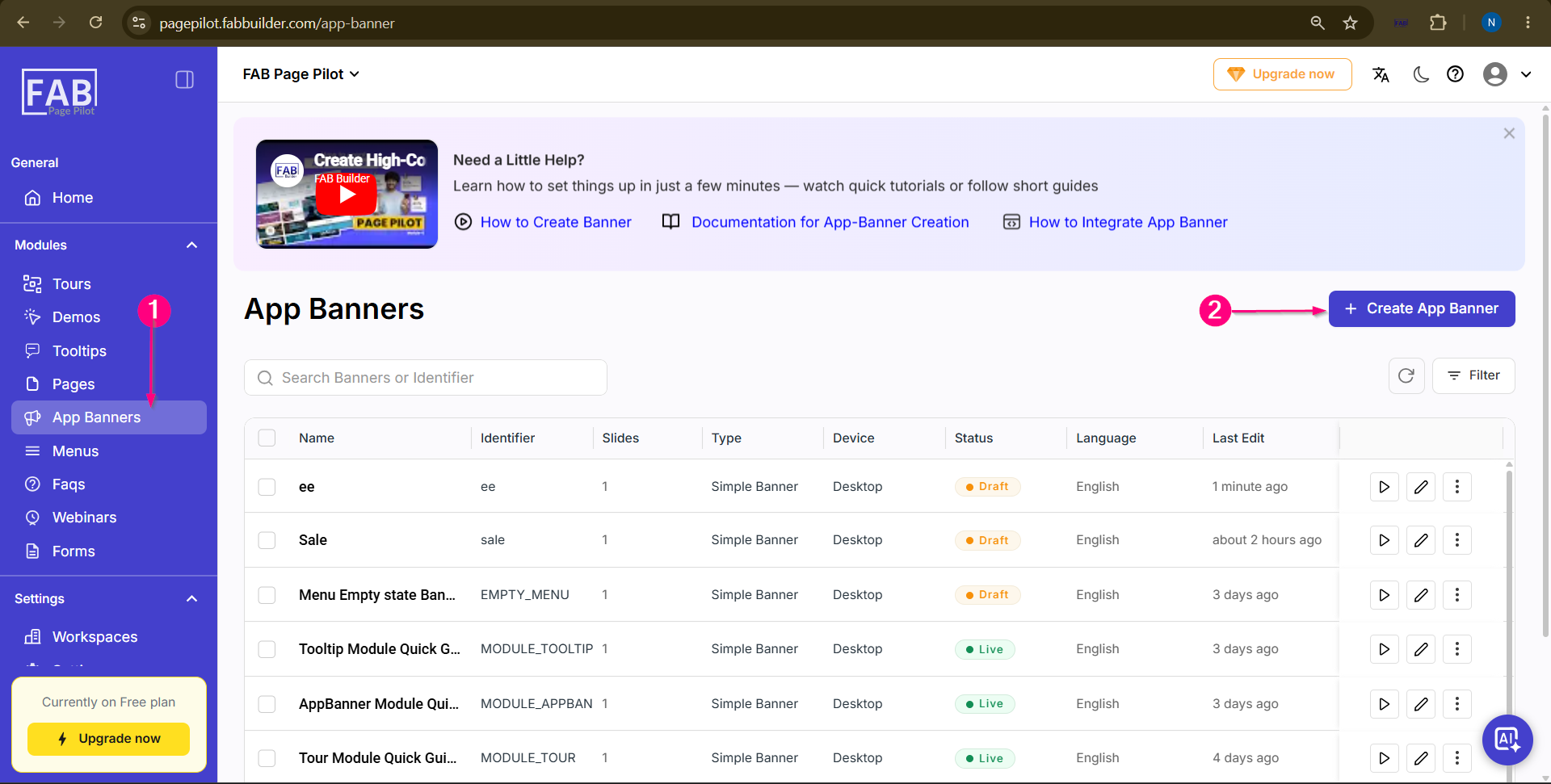 Screen- Access App Banner Step 3: Enter App Banner Details Enter the required details such as Name,Device,Language, and select Floater theApp Banner Type. and continue to the Next Step Click the Next button.
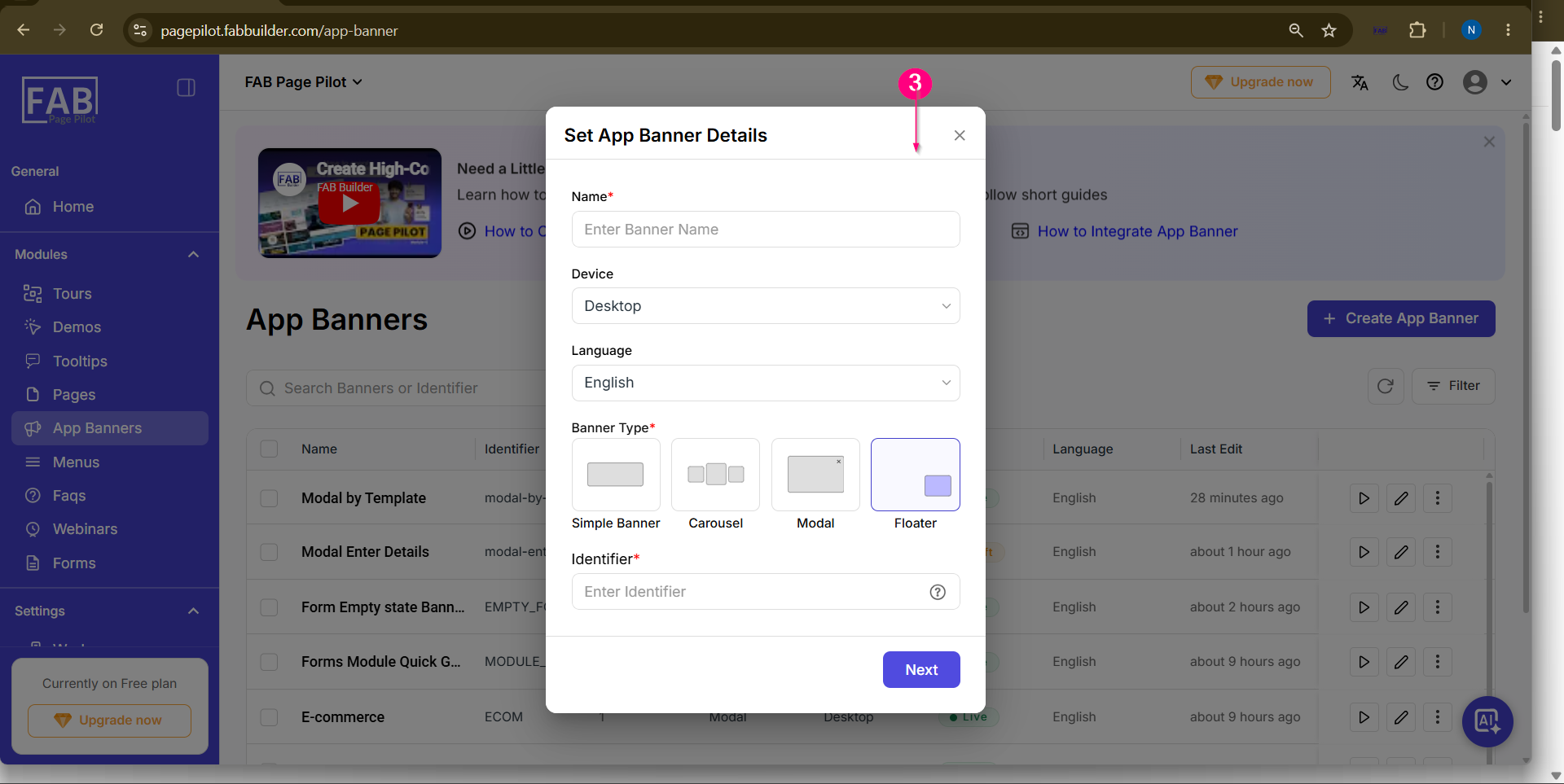 Screen – Create App Banner Step 4: Select the Creation Method Select the Start from Scratch method. The Visual Editor opens with a blank canvas to create the floater from scratch.
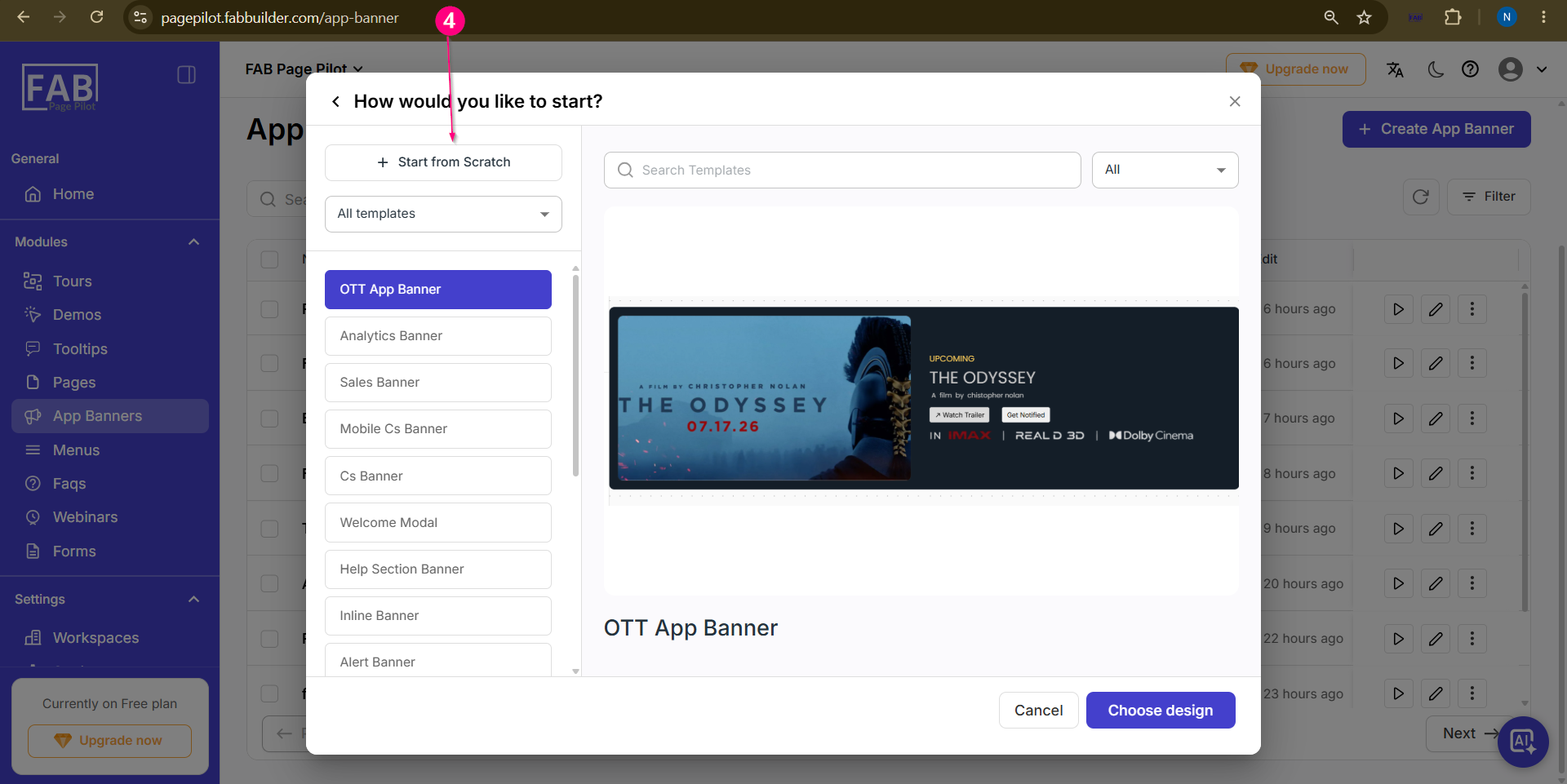 Screen – Select the Method to Create Floater
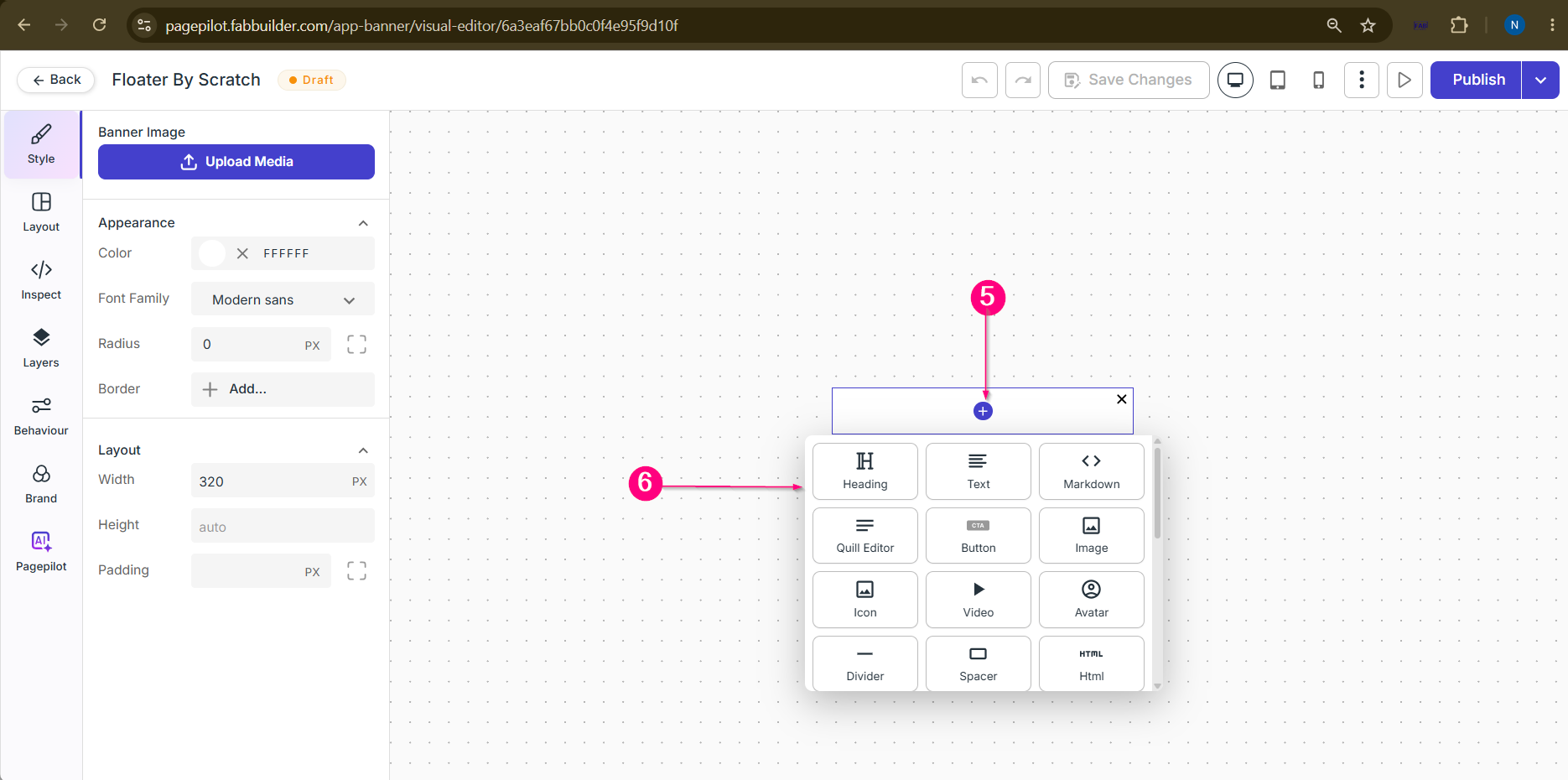
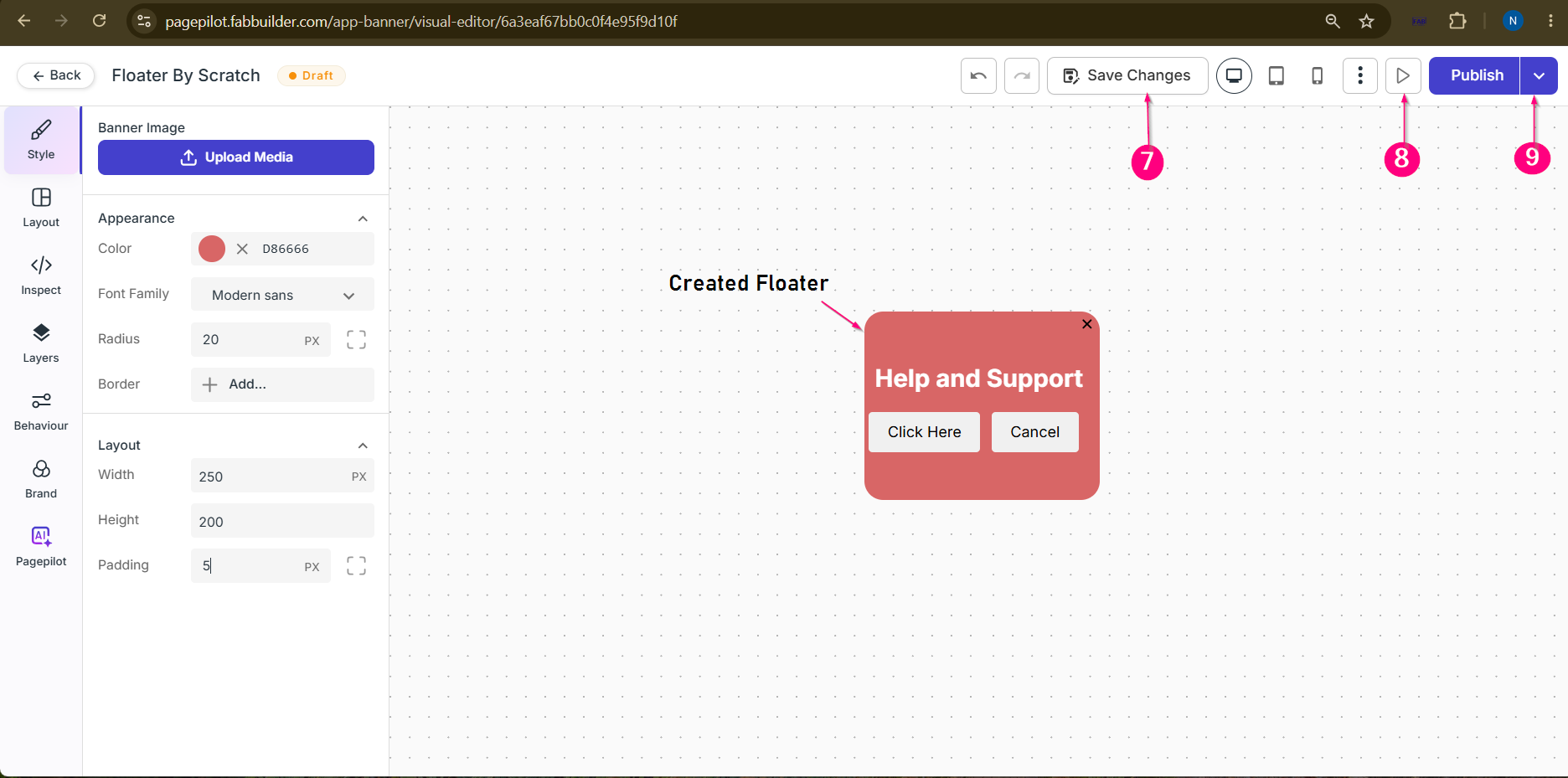
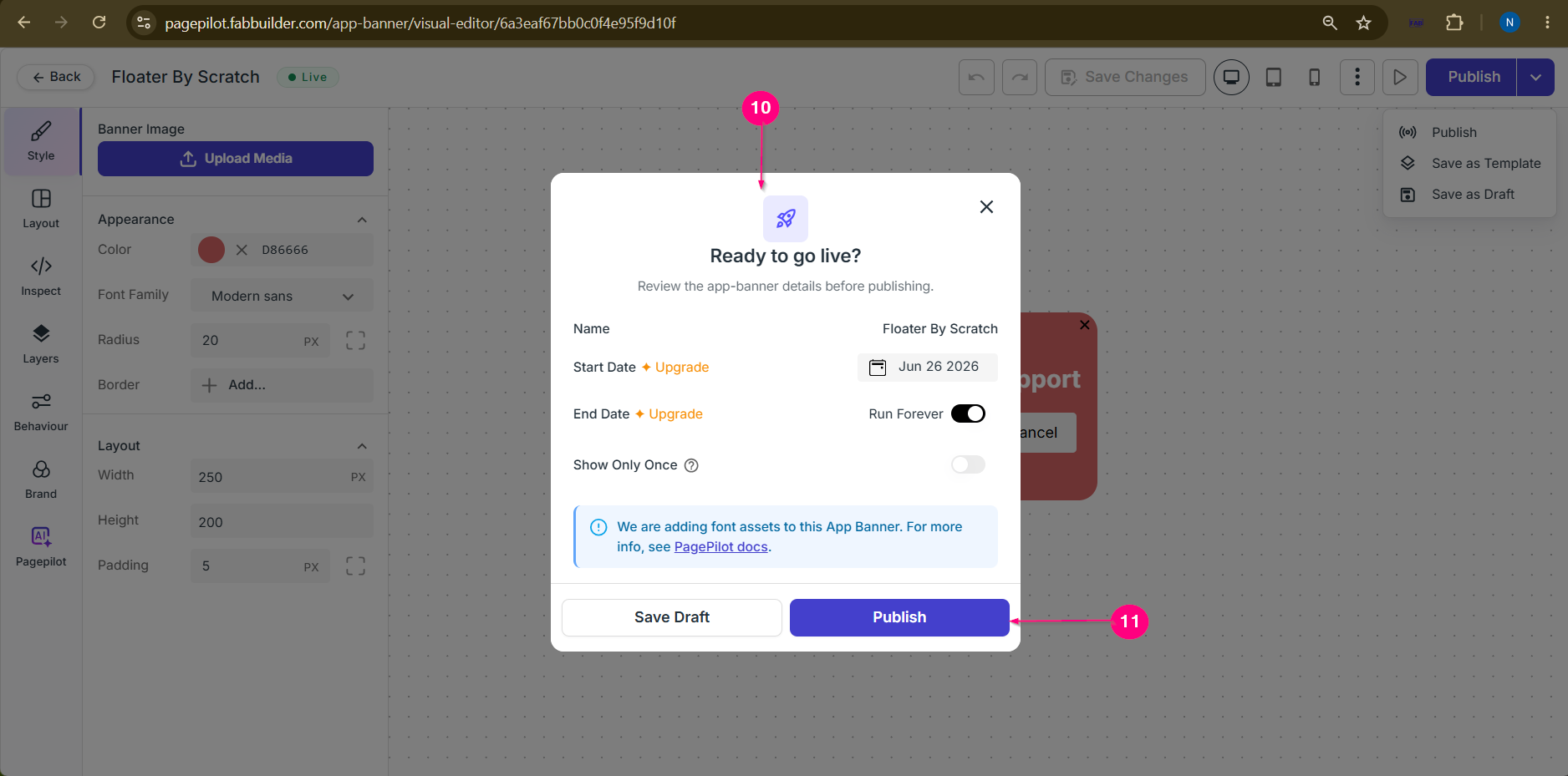
Step 5: Open the Design Block PanelClick the Plus (+) button on the canvas or the Layout tab to open the Design Block Panel. Step 6: Add Design Blocks and Modal Content |