DemoA demo is a demonstration of a product that shows its features and functionality. It helps users understand how the product works before they start using it or decide to purchase it. Types of DemoThere are mainly two types of demos: 1. Video Demo A video demo is a recorded video that explains how the product works. Users can watch the demonstration but cannot interact with the product. 2. Interactive Demo An interactive demo allows users to explore the product by clicking and moving through different screens. It gives users a practical understanding of the product features. Domo Module in Page PilotPage Pilot is designed to create interactive demos under Demos Module. It allows users to build guided product tours so that visitors can explore and understand the product features step by step.
Navigate to Demo Module
Option 1: Home Screen → Click the Demo card on the right side.
Option 2: Navigation Menu → Select Demo.
The Demo module screen will open.
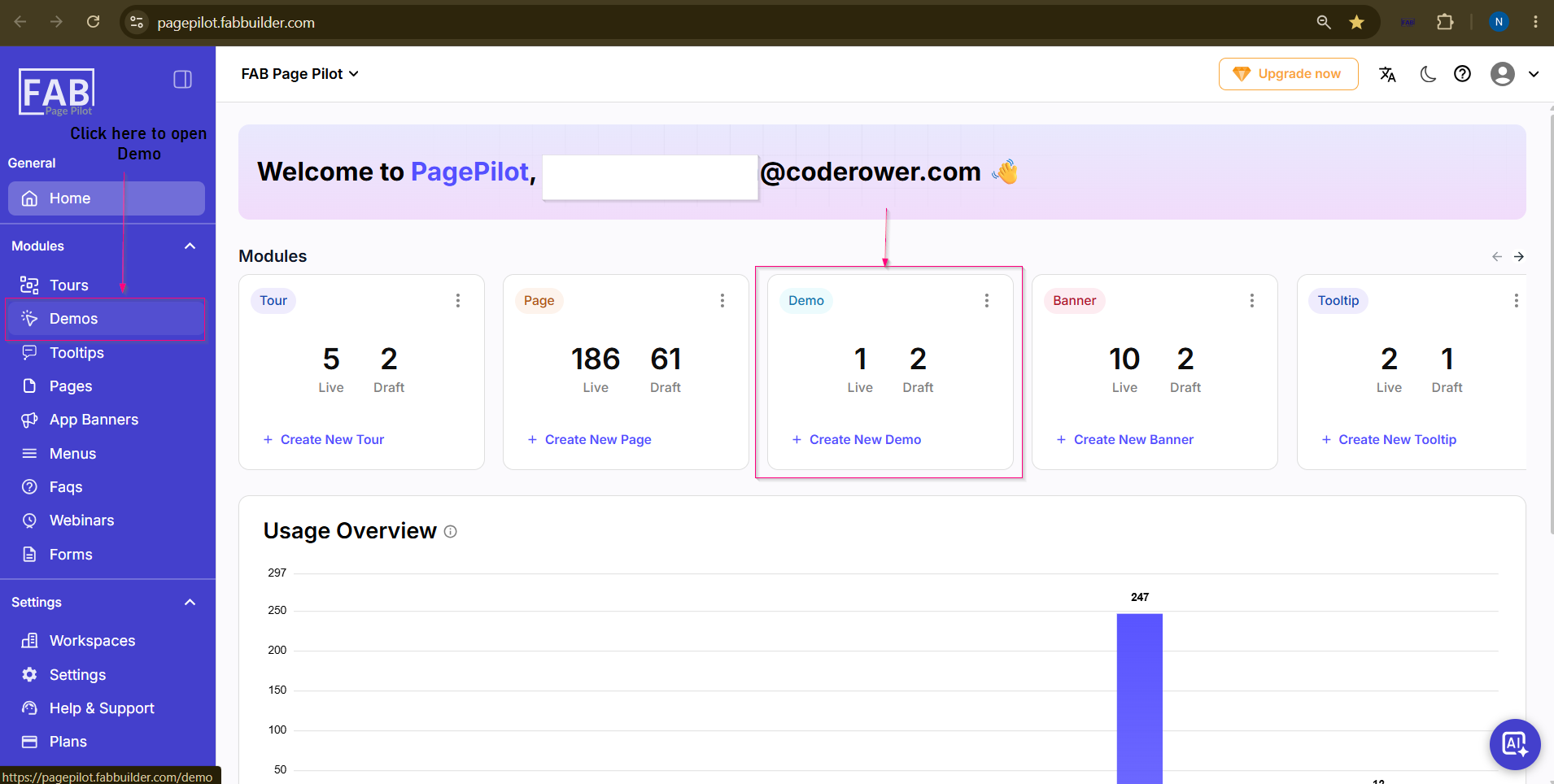 Screen- Access Demo |