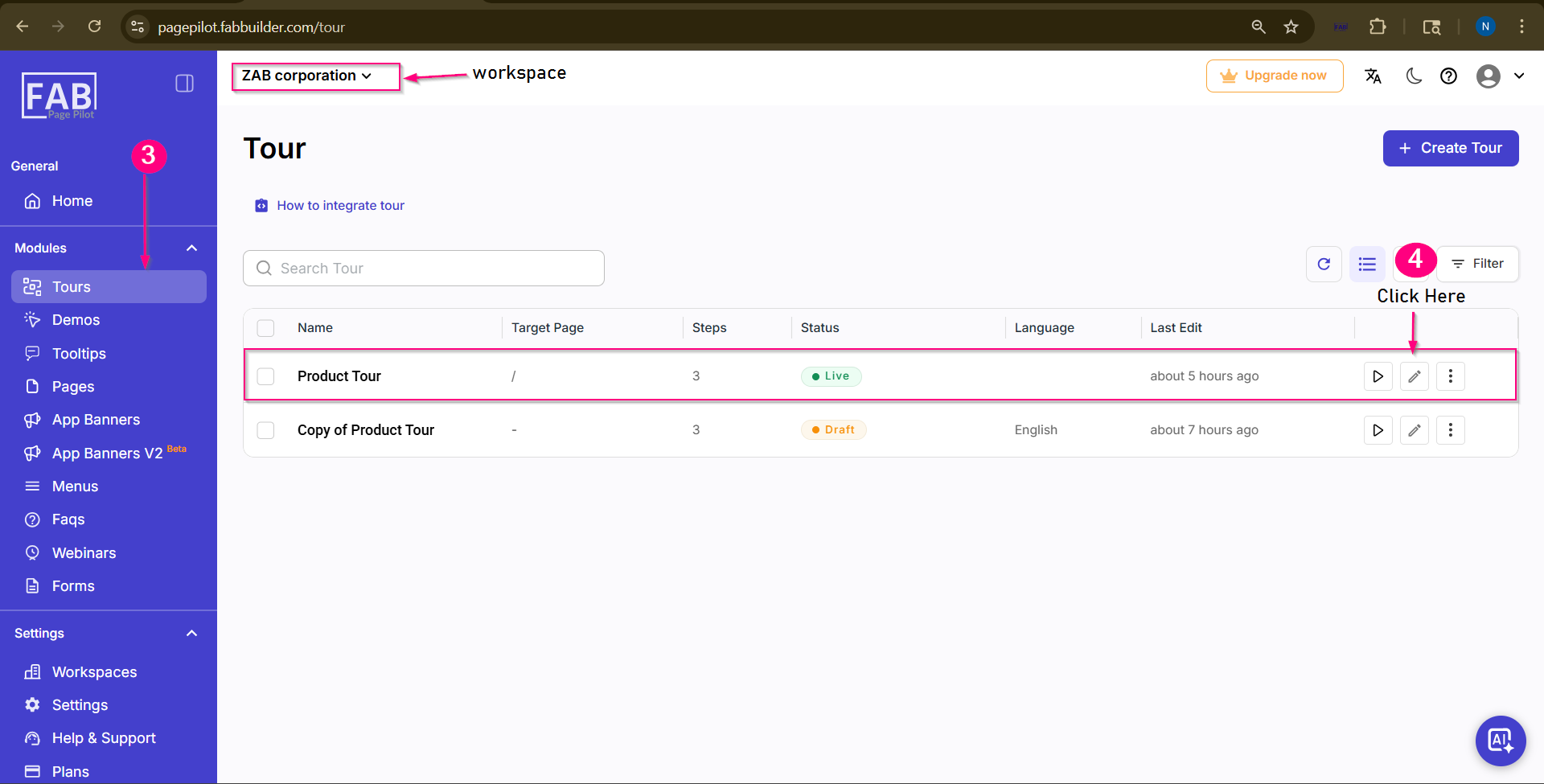
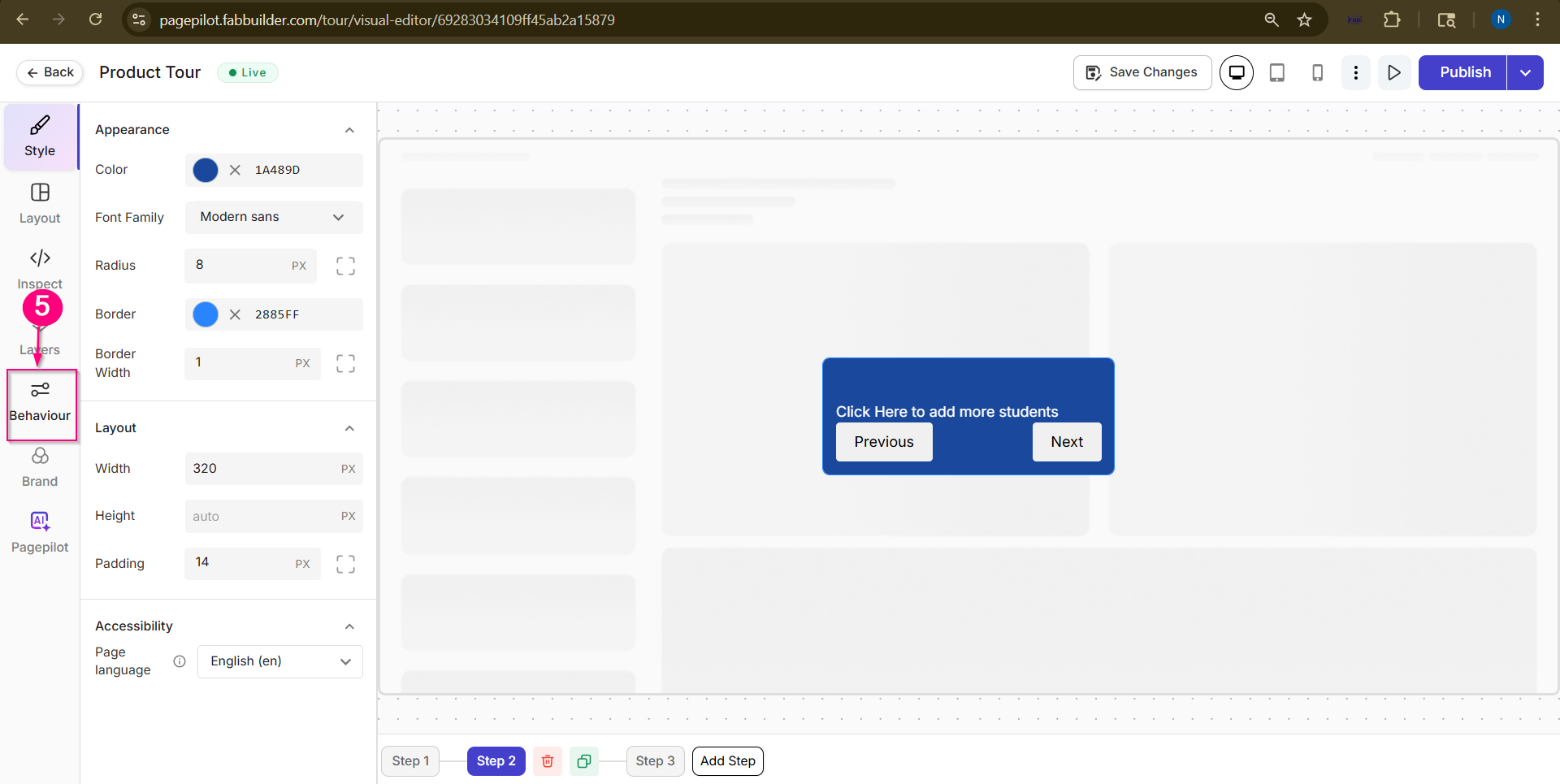
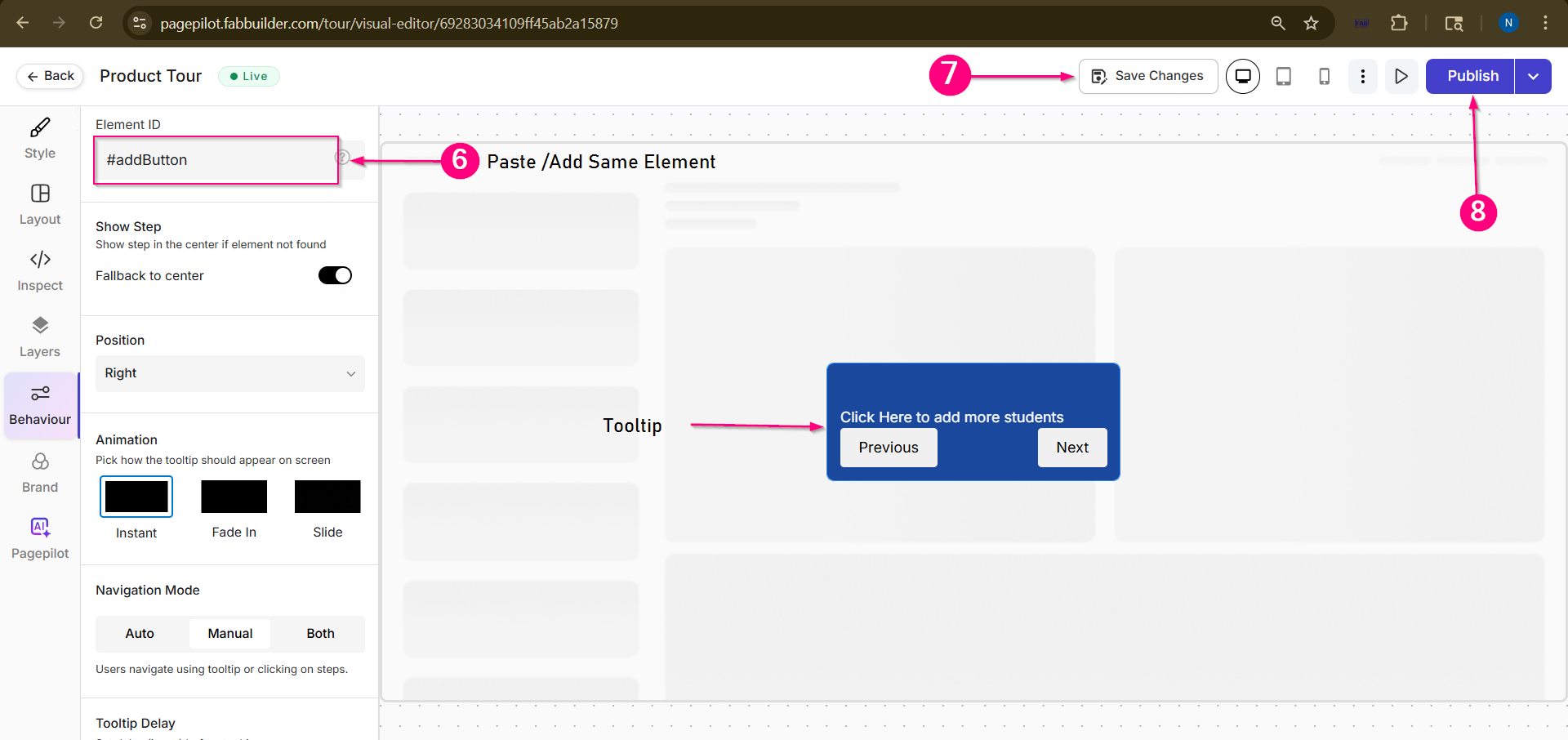
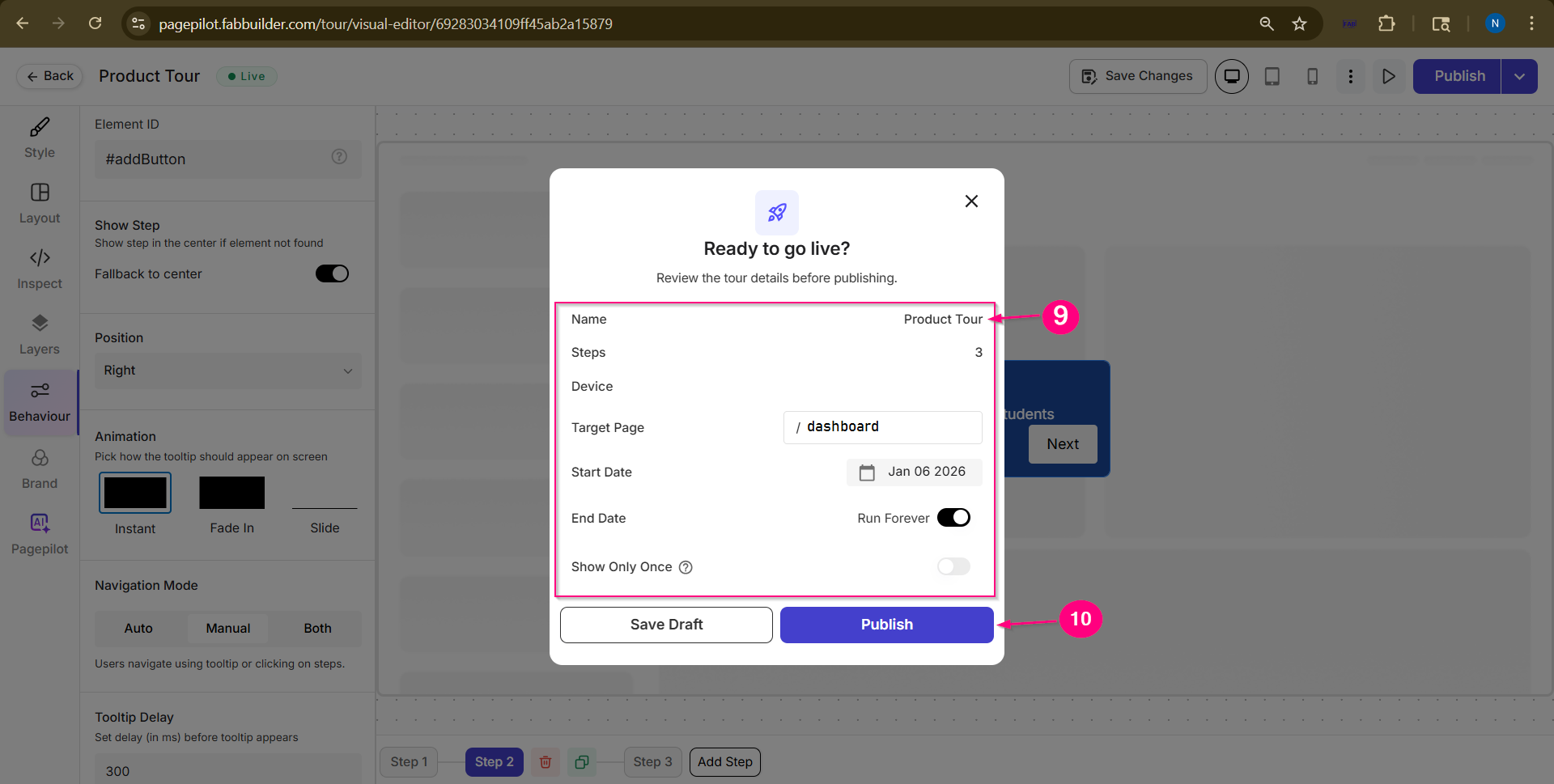
This guide explains how to identify and configure an Element ID in Page Pilot so that a Tour step or Tooltip is displayed on the correct UI element within a web application. In This Section
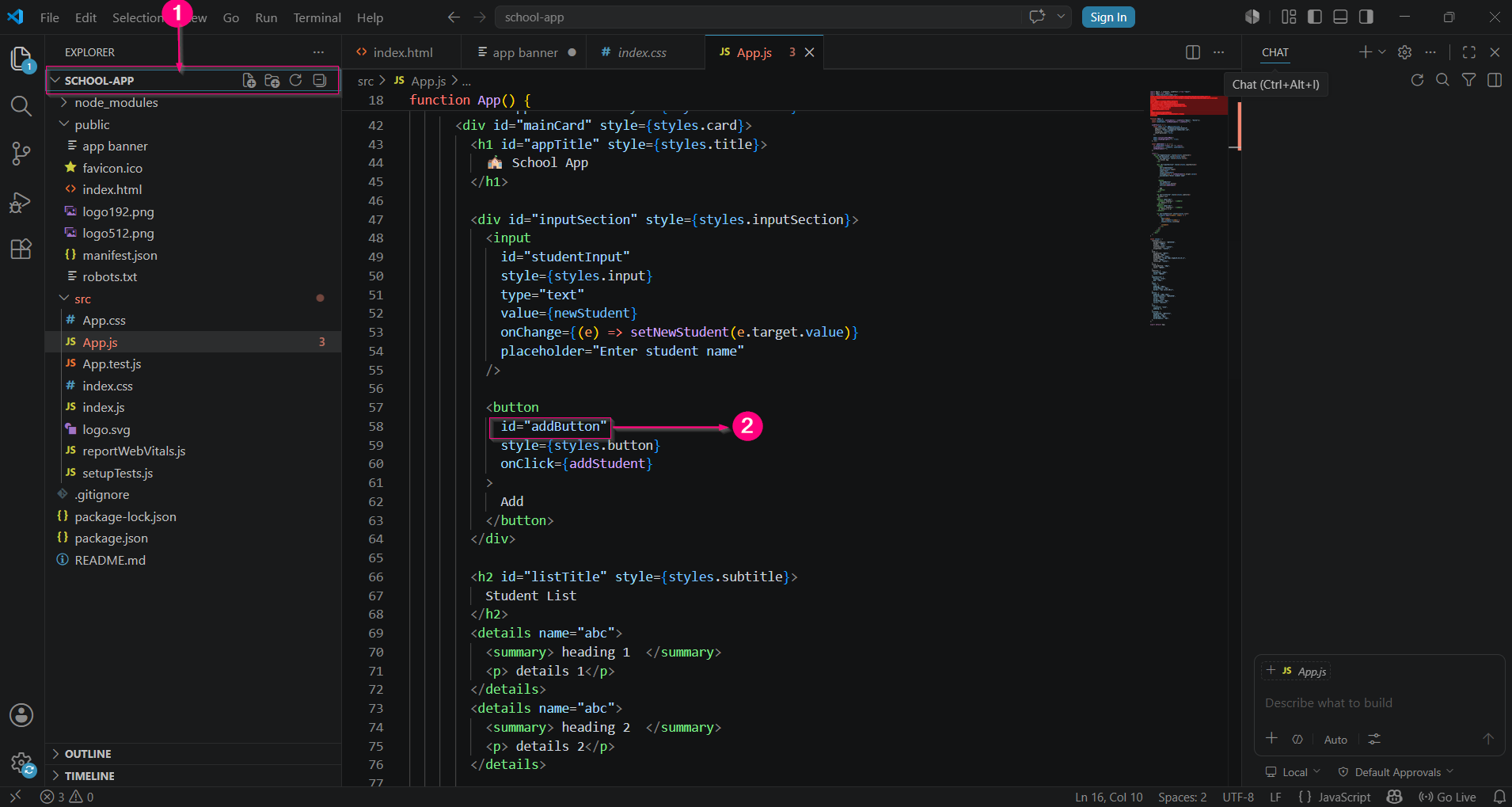
Element IDAn Element ID is a unique identifier assigned to a user interface (UI) element, such as a button, input field, or link. Page Pilot uses the Element ID to display a Tour step or Tooltip on the correct element within a web application.
When is an Element ID Required?An Element ID is required whenever you want to attach a Tour step or Tooltip to a specific UI element in the application.
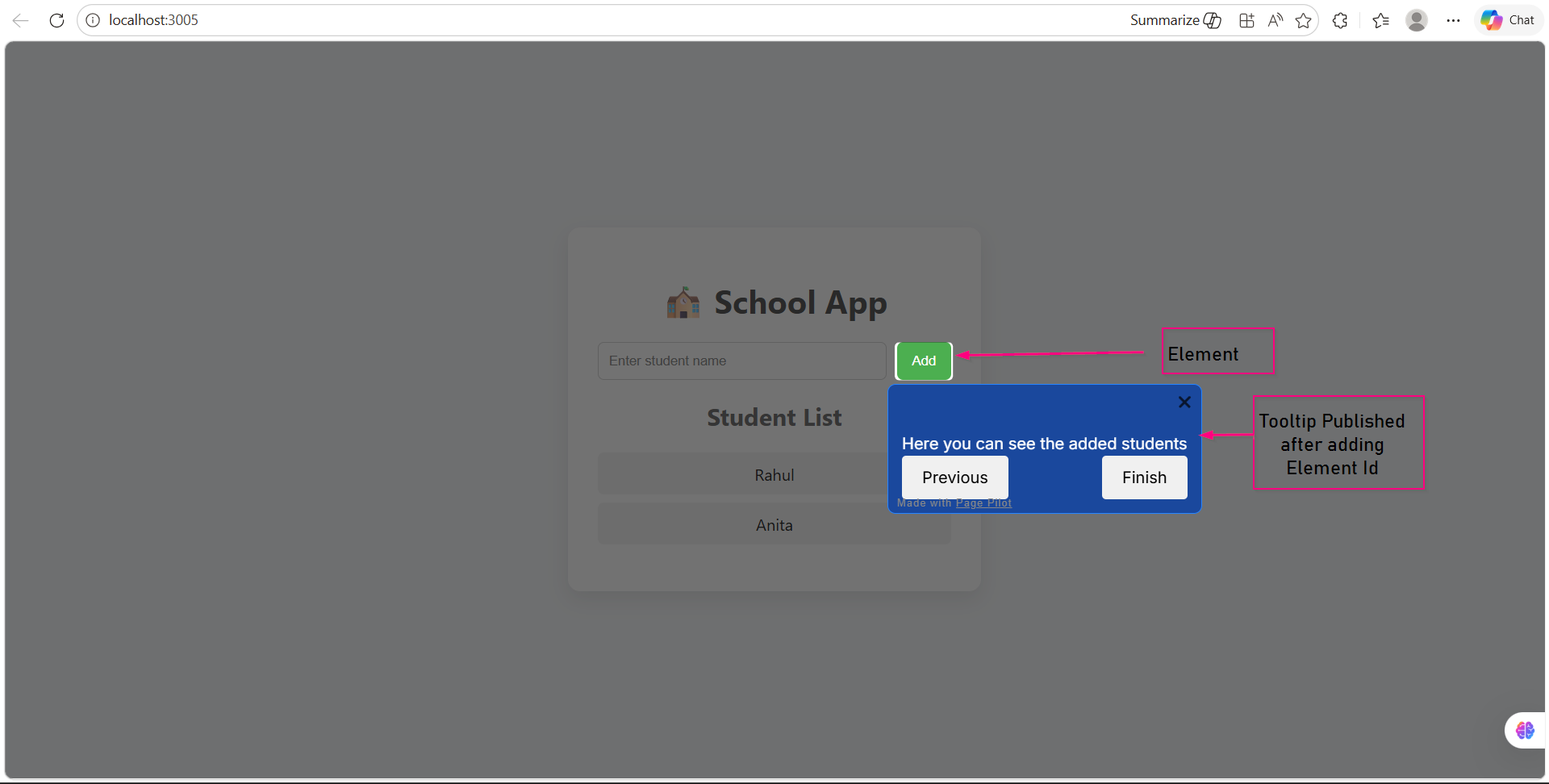
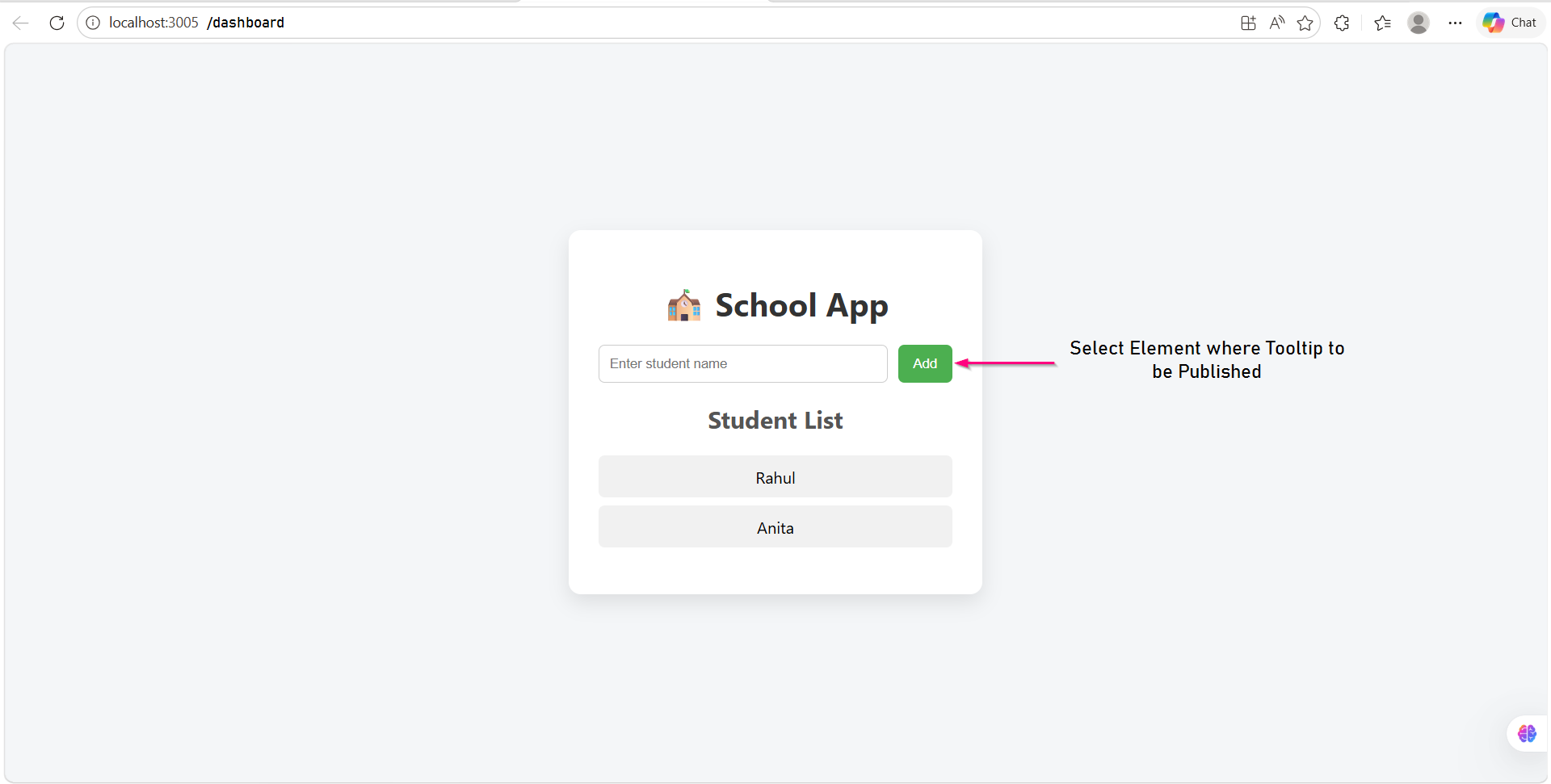
Screen- Tooltip Puplished on selected Web App Element
Before You BeginEnsure that:
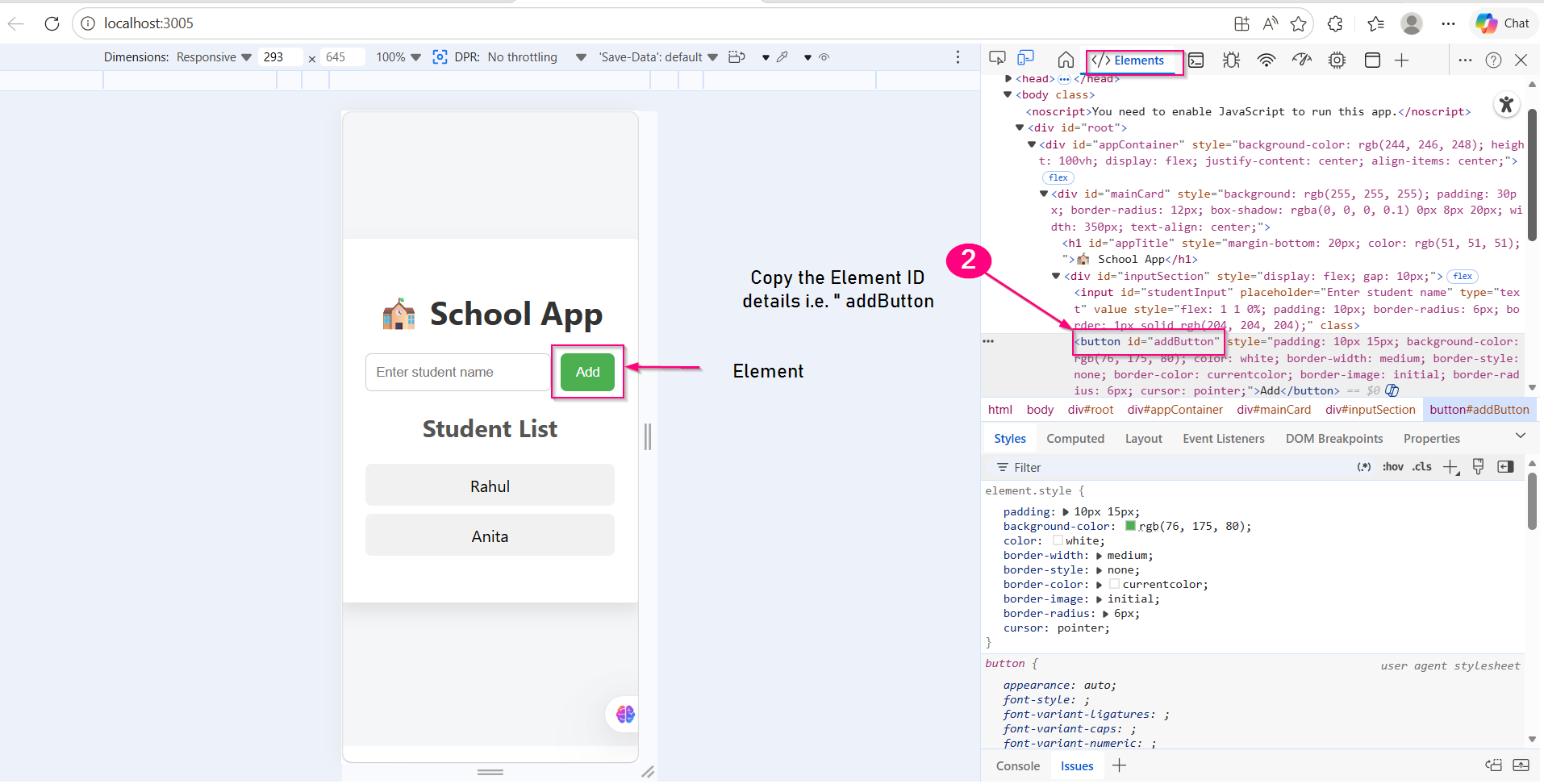
Identify the Element IDChoose one of the following methods to identify the Element ID. Method 1: Browser Inspect on Web Application Page
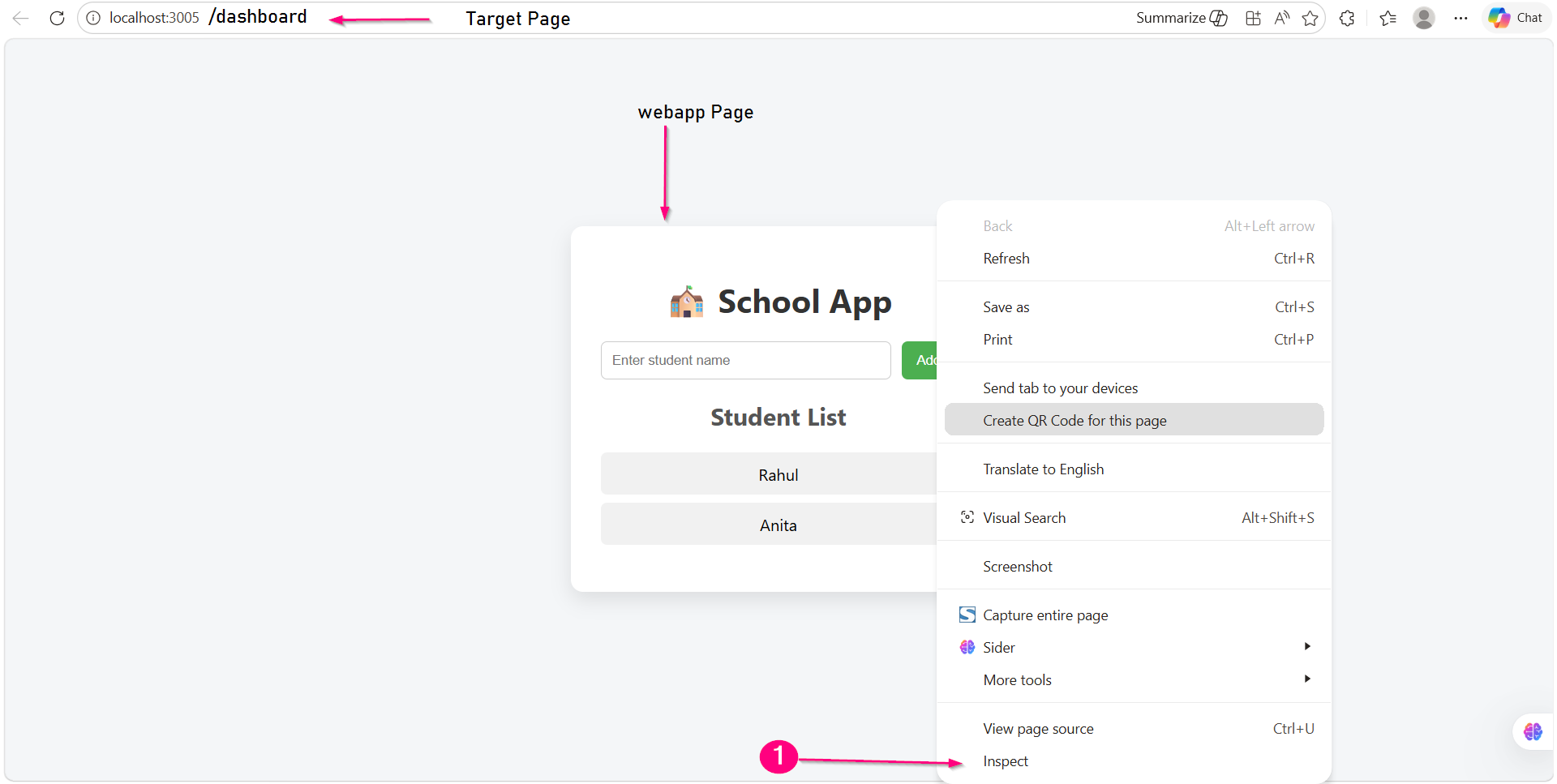
(Recommended for Testers and Business Users)Open the web application(School App) in a browser and Navigate to the required page.
|