How to Manage Languages in Page Pilot – Complete Guide
Languages Screen
This screen shows the list of all languages added to the system along with their Code and Name.
Available actions on this screen include:
- New: Add a new language.
- Import: Upload multiple languages using a file.
- Delete: Remove selected language records.
- Audit Logs: View activity history related to languages.
- Export to Excel: Download the language list in Excel format.
For each language record, users can:
- View the language details.
- Edit the existing language information.
- Delete the language from the system.
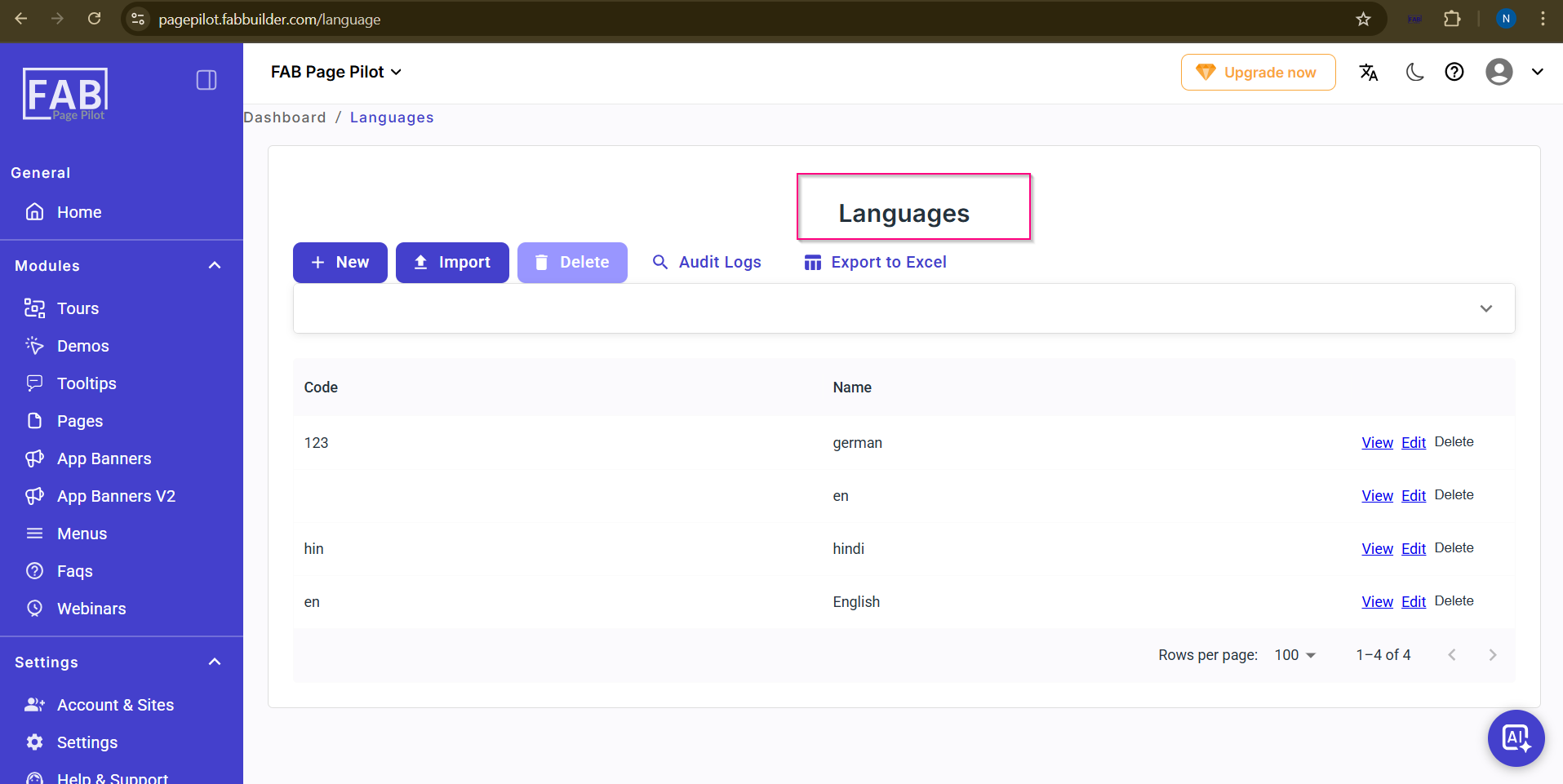
Screen- Language
When the user navigates to Dashboard → Languages, the Languages screen is displayed.