How to Edit a Language in Page Pilot – Step-by-Step Guide
User can access this screen by clicking on the edit tab on language screen.
Edit Language Screen
When the user clicks Edit for a language, the Edit Language screen is displayed.
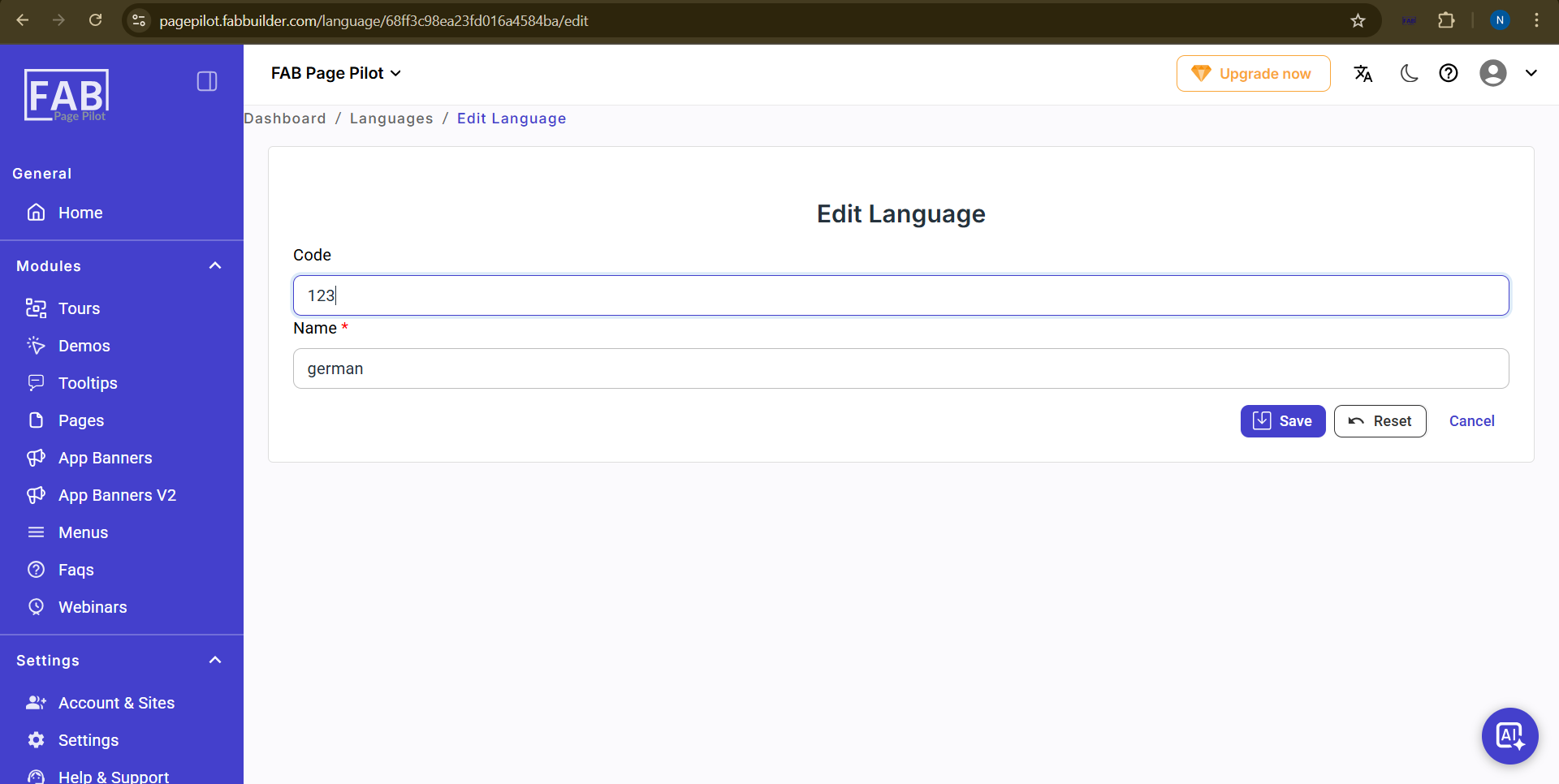
Screen- Edit language
On this screen, the user can:
- Update the Code of the language.
- Modify the Name of the language.
Available actions:
- Save: Saves the updated language details.
- Reset: Restores the fields to their previous values.
- Cancel: Exits the edit screen without saving changes.
once name is edited user can view the edit details in language screen
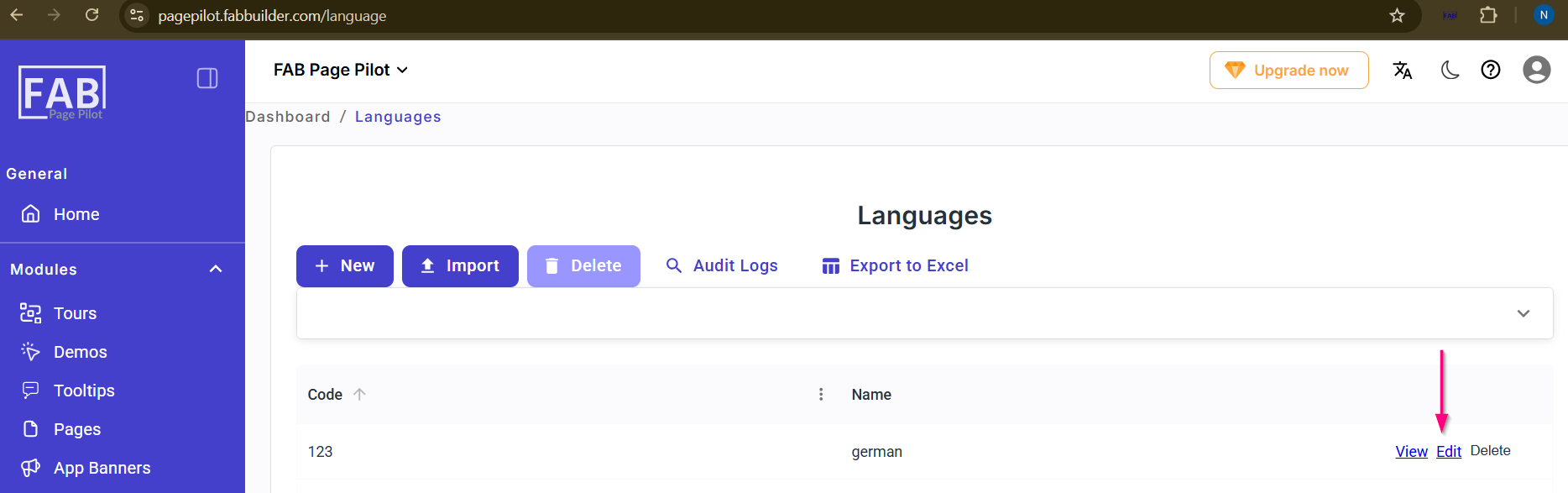
Screen- Edit Tab