How to Import Multiple Languages in Page Pilot – Step-by-Step
This screen allows users to add multiple languages at once by uploading a file.
- Click Download the template to get the required file format.
- Enter the language details in the downloaded template.
- Drag and drop the completed file into the upload area, or click the area to select the file.
- Once uploaded, the languages are imported into the system.
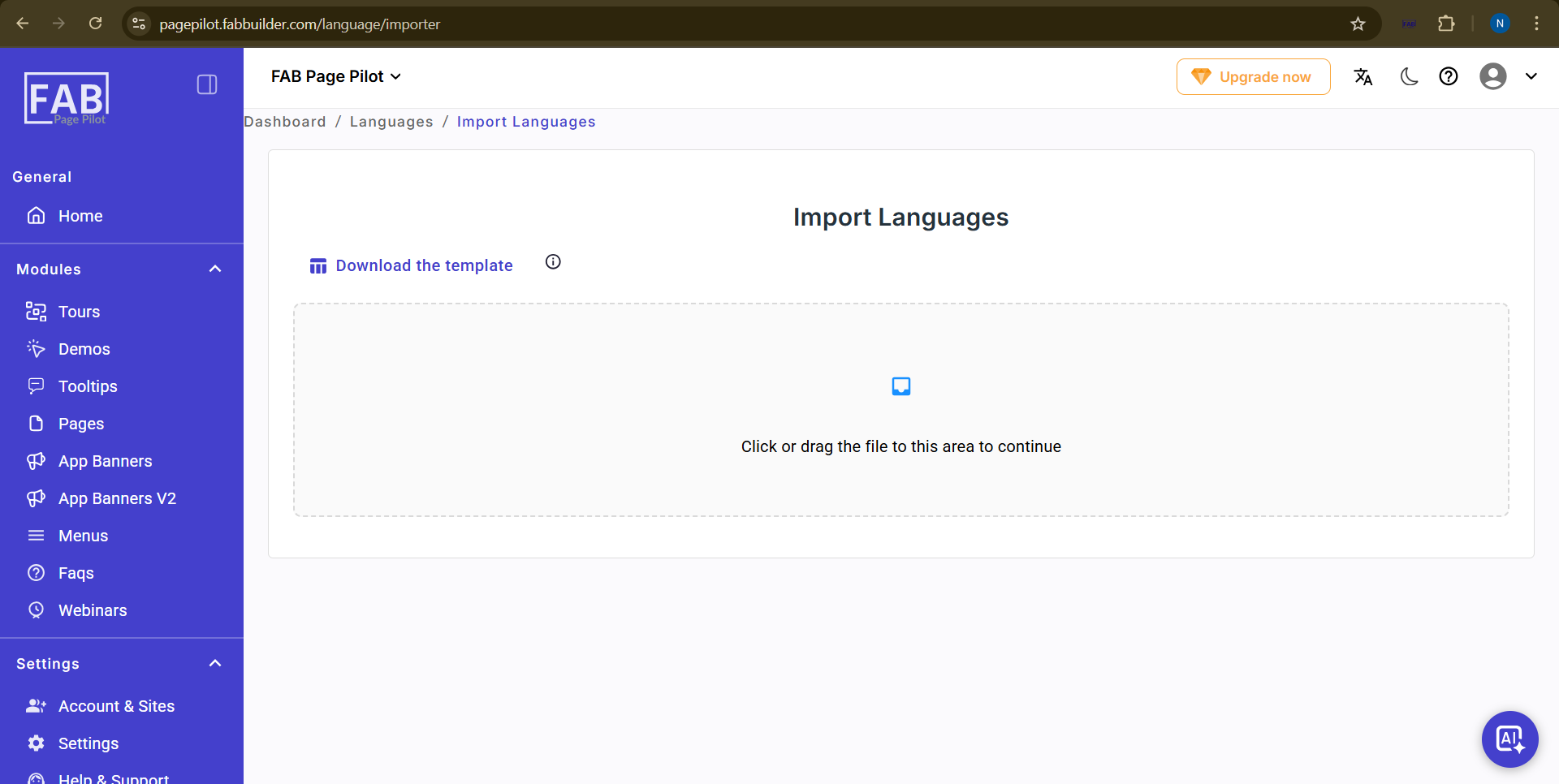
User can access this screen by clicking on language import tab.This option helps save time by importing languages in bulk instead of adding them one by one.
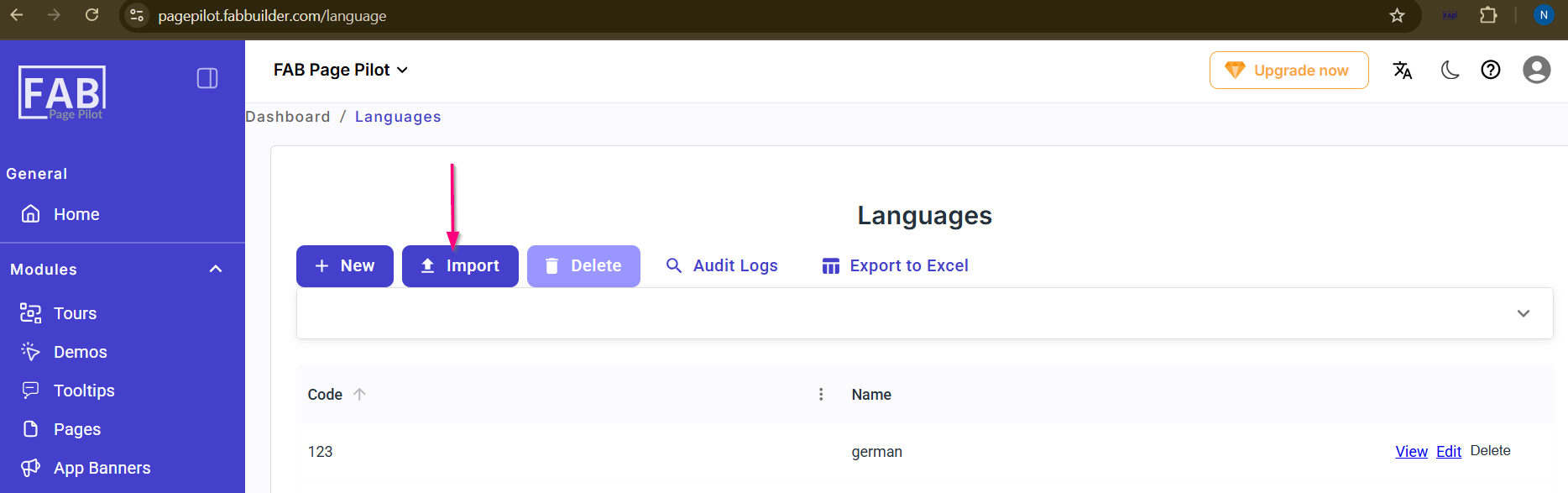
Screen- Import Language Button