Page Pilot Add New Language – Step-by-Step Guide
This screen allows the user to add a new language by entering the language code and language name. Once added, the language will appear on the main Language screen.
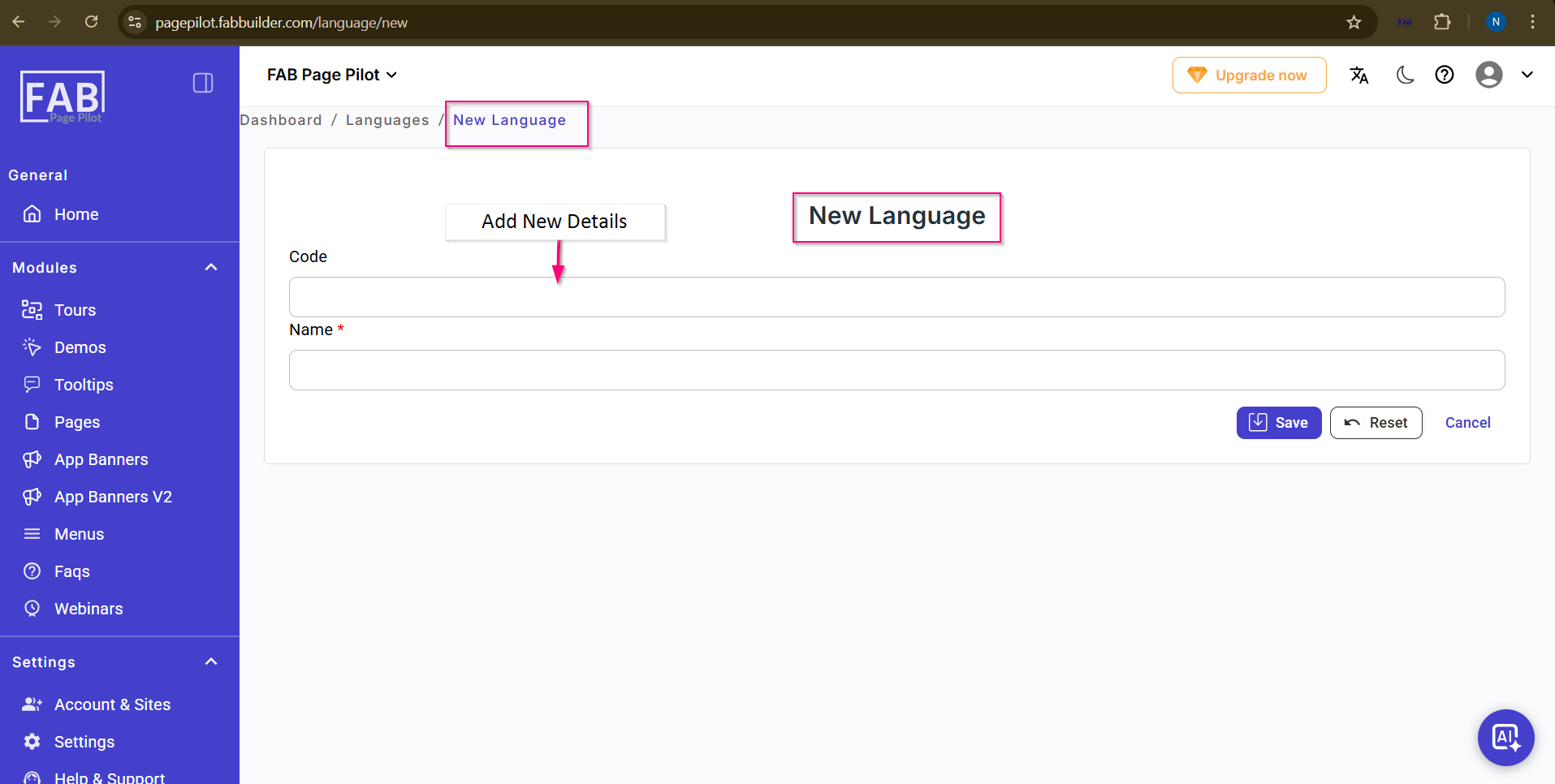
Screen- New Language
Steps to add a new language:
- Enter the language code.
- Enter the name of the language.
- Click Save to add the new language.