Page Pilot Import Live Chats – Upload Multiple Chats at Once
This screen allows users to upload multiple livechat records at once using a file.
This feature helps users quickly add livechats in bulk instead of creating them one by one.
When the user clicks on Import Button from the Livechats screen, the Import Livechats page is displayed.
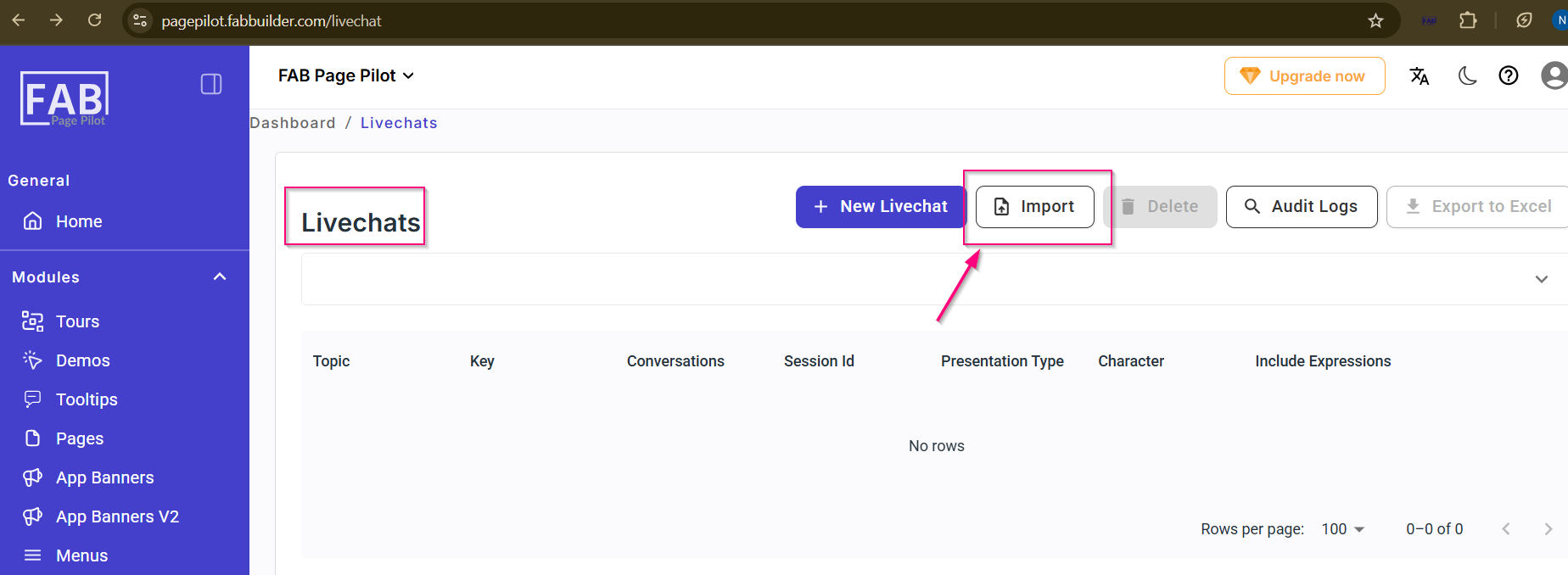
Screen- Import Live chat Button
Import Live chat screen can be view to import the bulk chat.
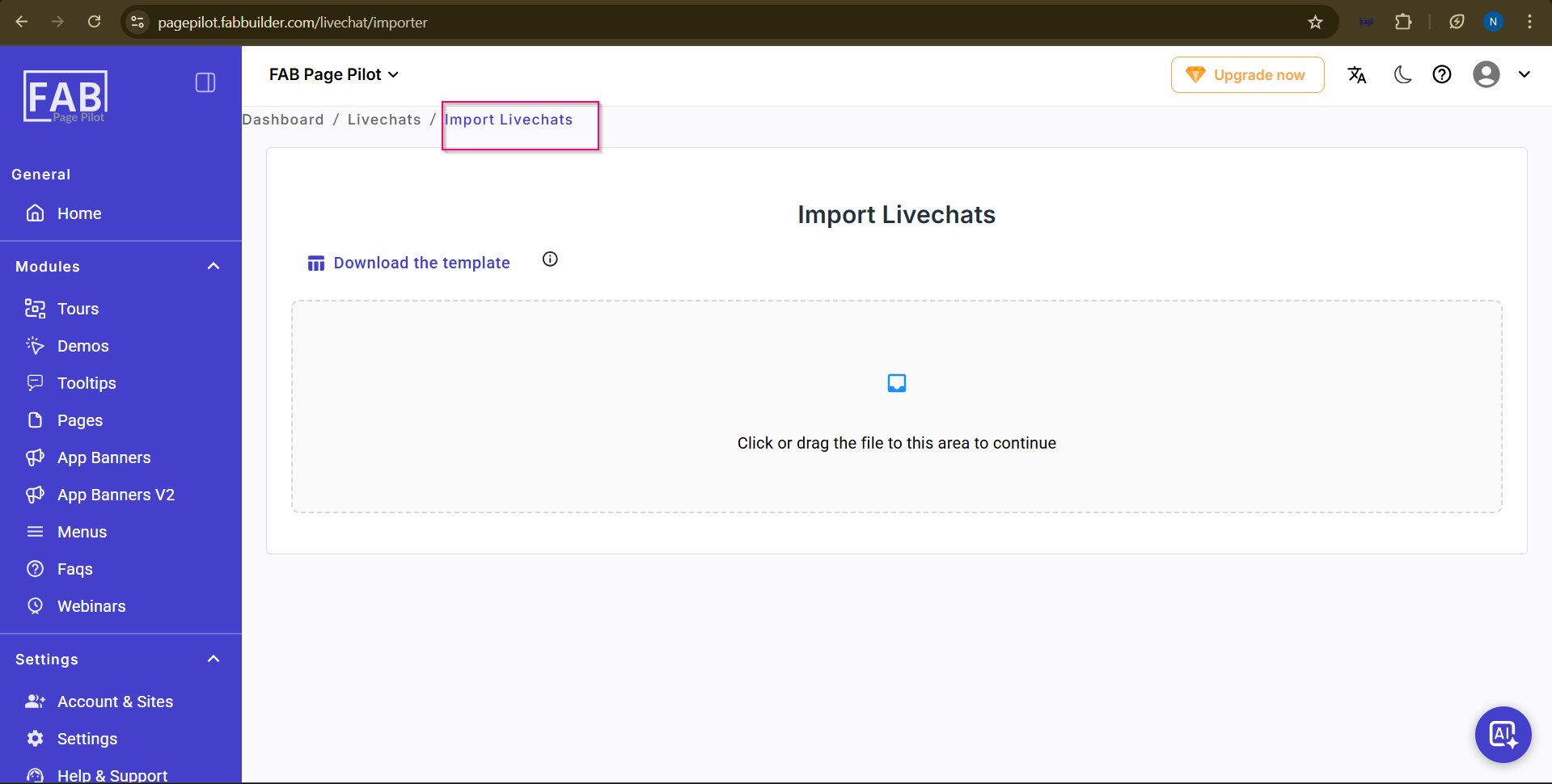
Screen-Import Live Chat
User must follow the step to import the live chat by following the steps outline below
Steps to import live chat
- Click Download the template to download the sample file format.
- Fill in the livechat details in the downloaded template.
- Drag and drop the completed file into the upload area, or click the area to select the file from the system.
- Once uploaded, the livechat records are imported into the system.