Page New
New Page Screen
This screen allows the user to create a new page by entering page details.
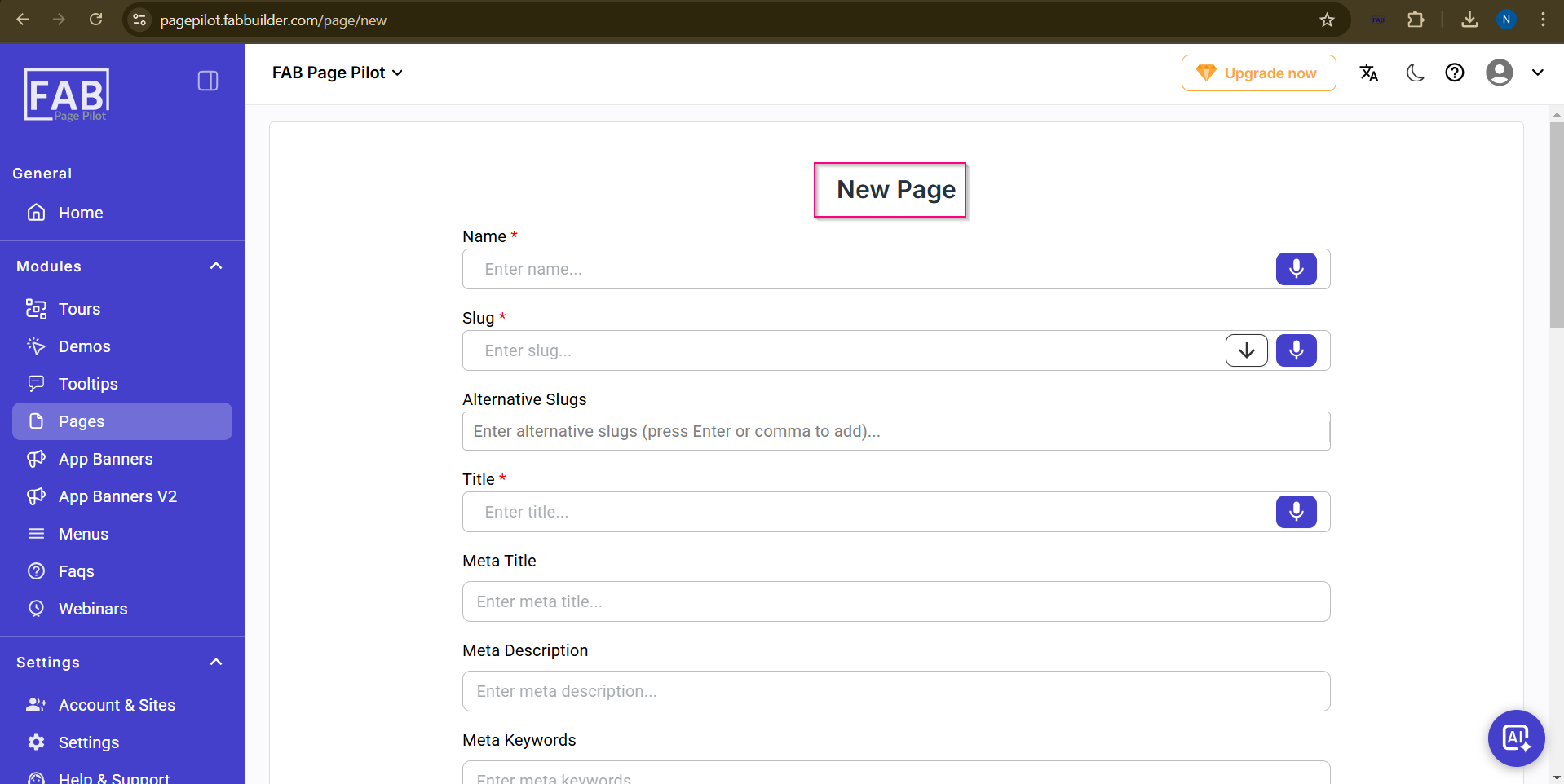
Screen- Create New Page
On this screen, the user can:
- Enter the page name and slug.
- Add alternative slugs for the page.
- Define title, meta title, meta description, keywords, and image URL for SEO.
- Upload hero image and thumbnail image.
- Add attachments if required.
- Configure head and body bottom content.
- Select the editor for the page.
- Assign tags, groups, reviewer, assignee, and author.
- Add additional metadata.
- Save, reset, or cancel the page creation.
Once the user clicks the Save button at the footer of the screen, the newly created page will be available on the Pages screen for viewing and further actions.
This screen can be accessed by clicking Create Pages from the Pages listing screen
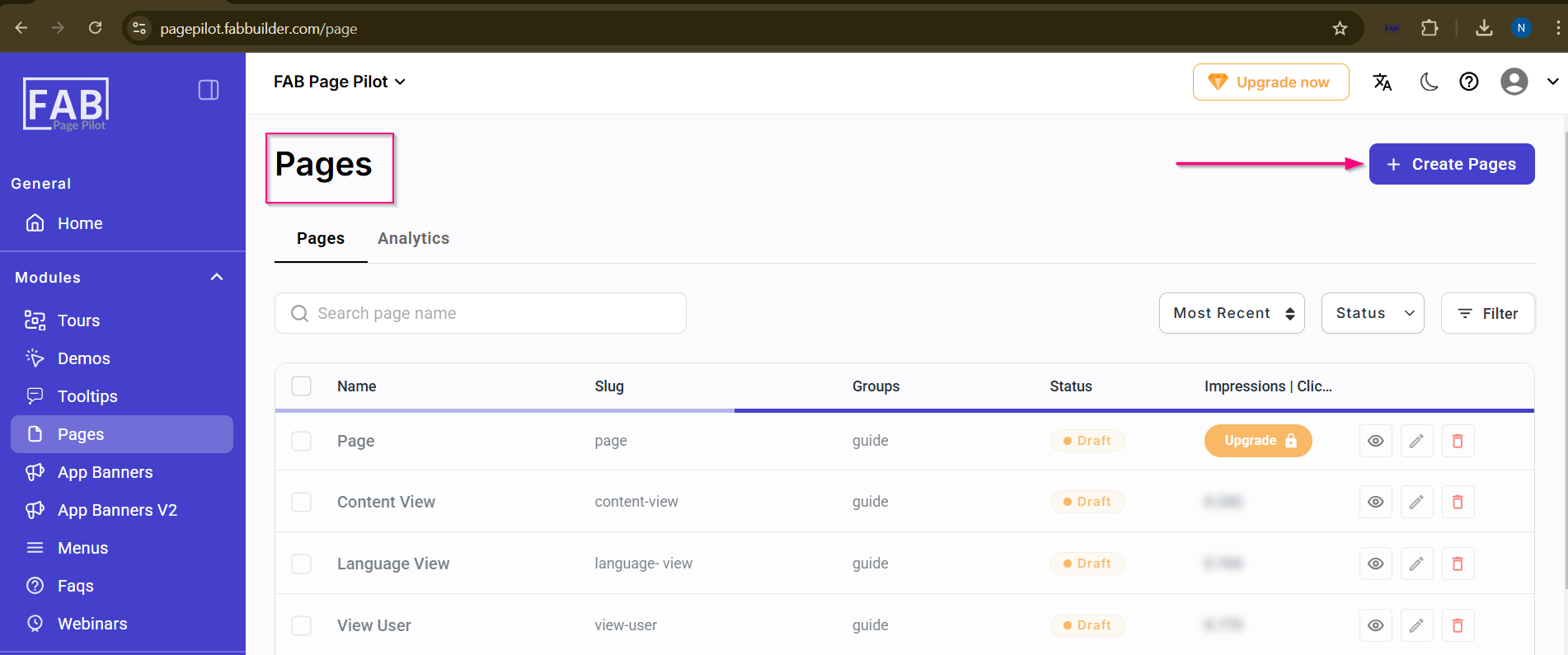
Screen- Access Create New Page Button