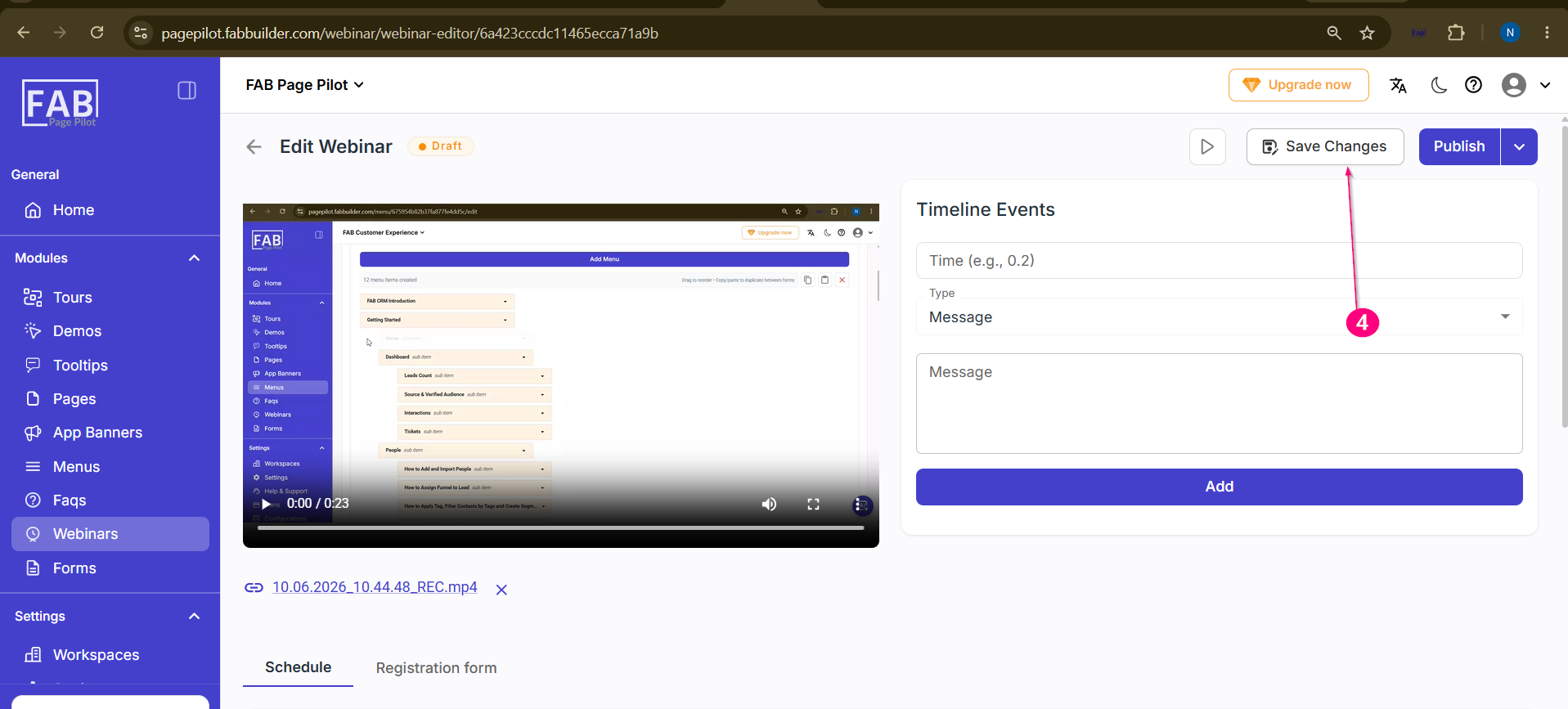
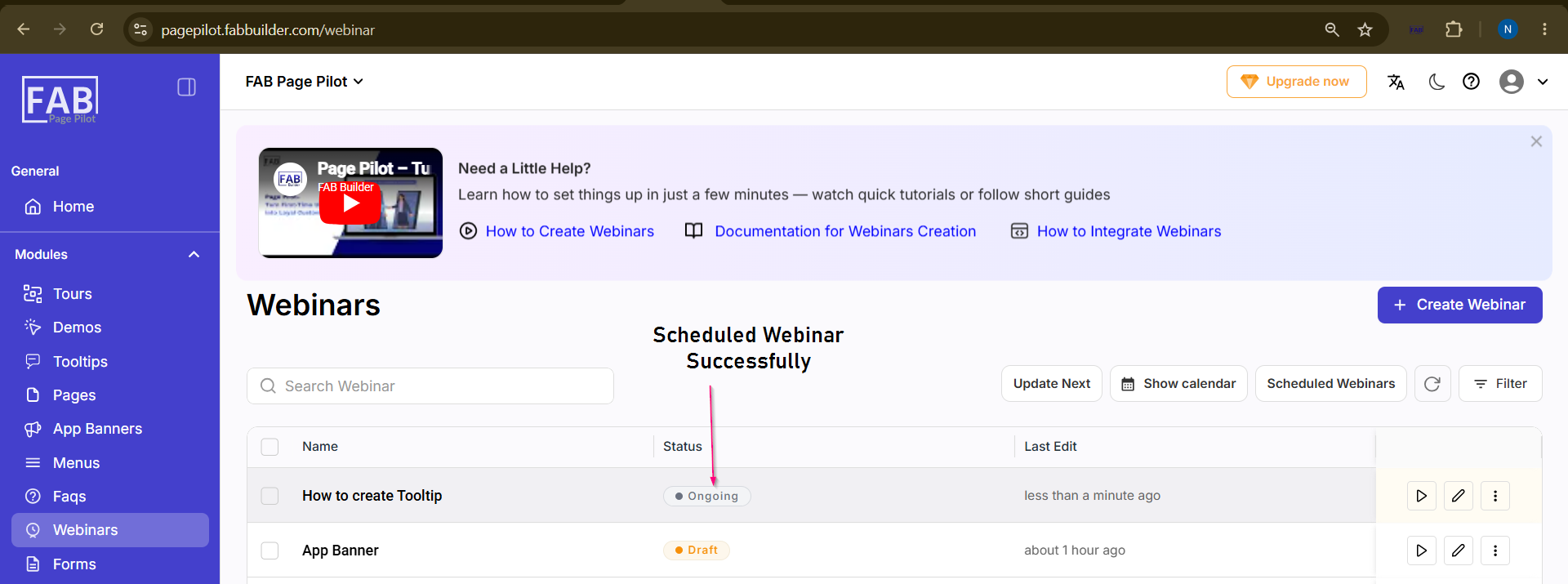
Schedule the Webinar
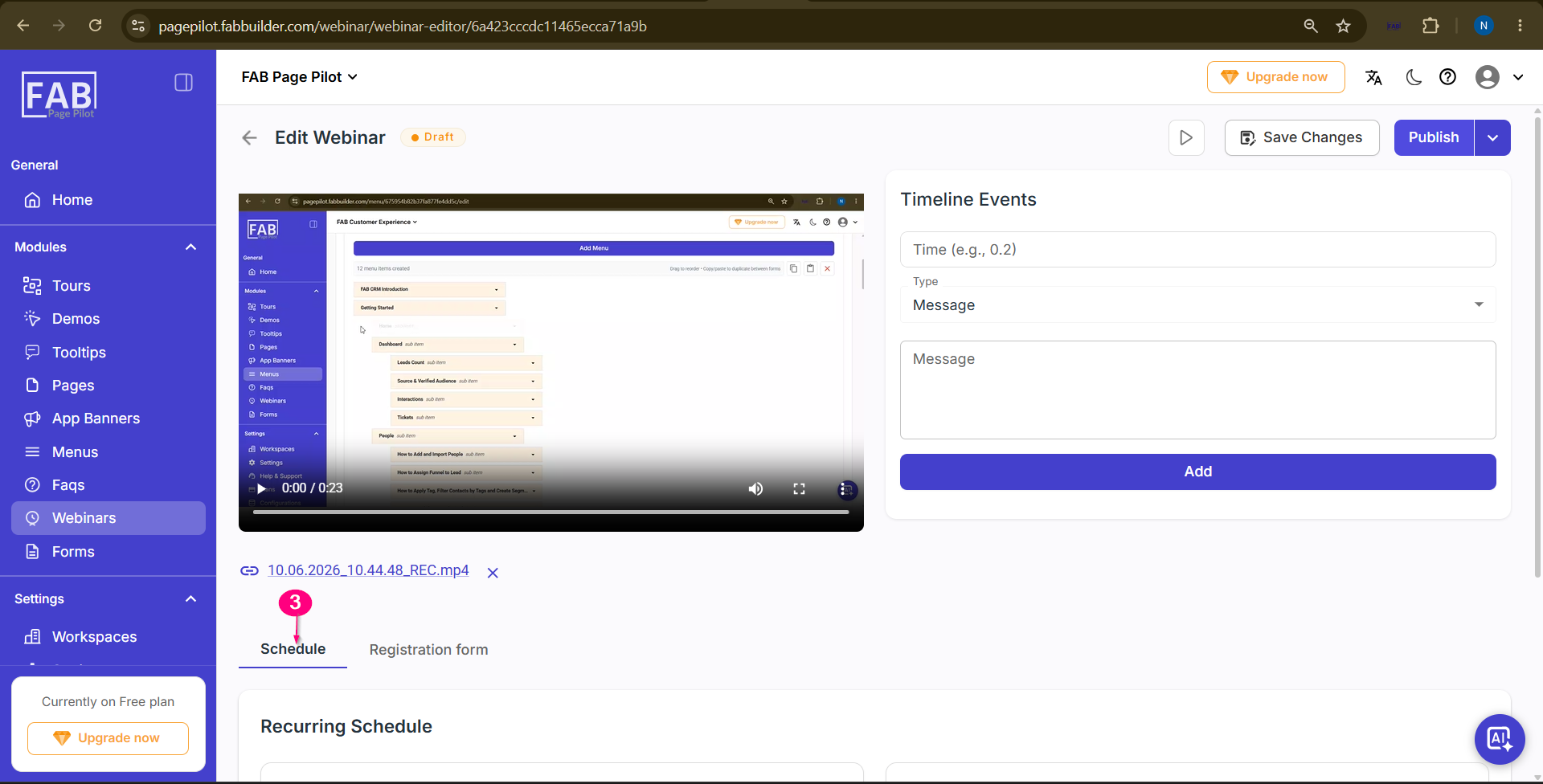
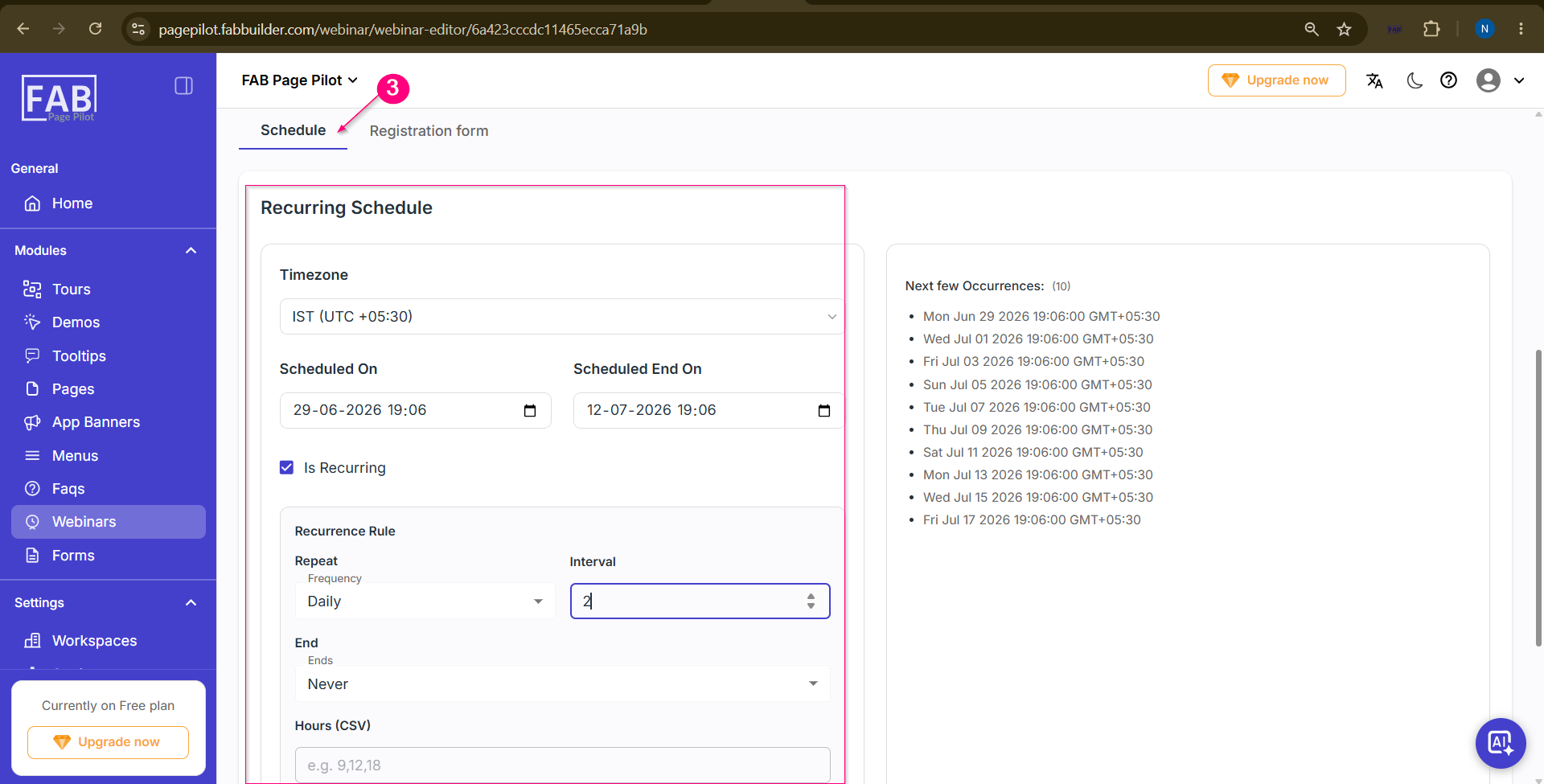
The Schedule feature allows users to define when the webinar will be available. Users can set the webinar time zone, start and end date, and configure recurring sessions. The upcoming webinar occurrences are displayed to help verify the schedule before saving.
Prerequisites
-
A webinar must already be created.
-
A webinar video should be added before scheduling.
Screen Components
| Component | Description |
|---|
| Time Zone | Select the time zone in which the webinar will be scheduled.
|
| Scheduled On | Specifies the webinar start date and time.
|
| Scheduled End On | Specifies the webinar end date and time.
|
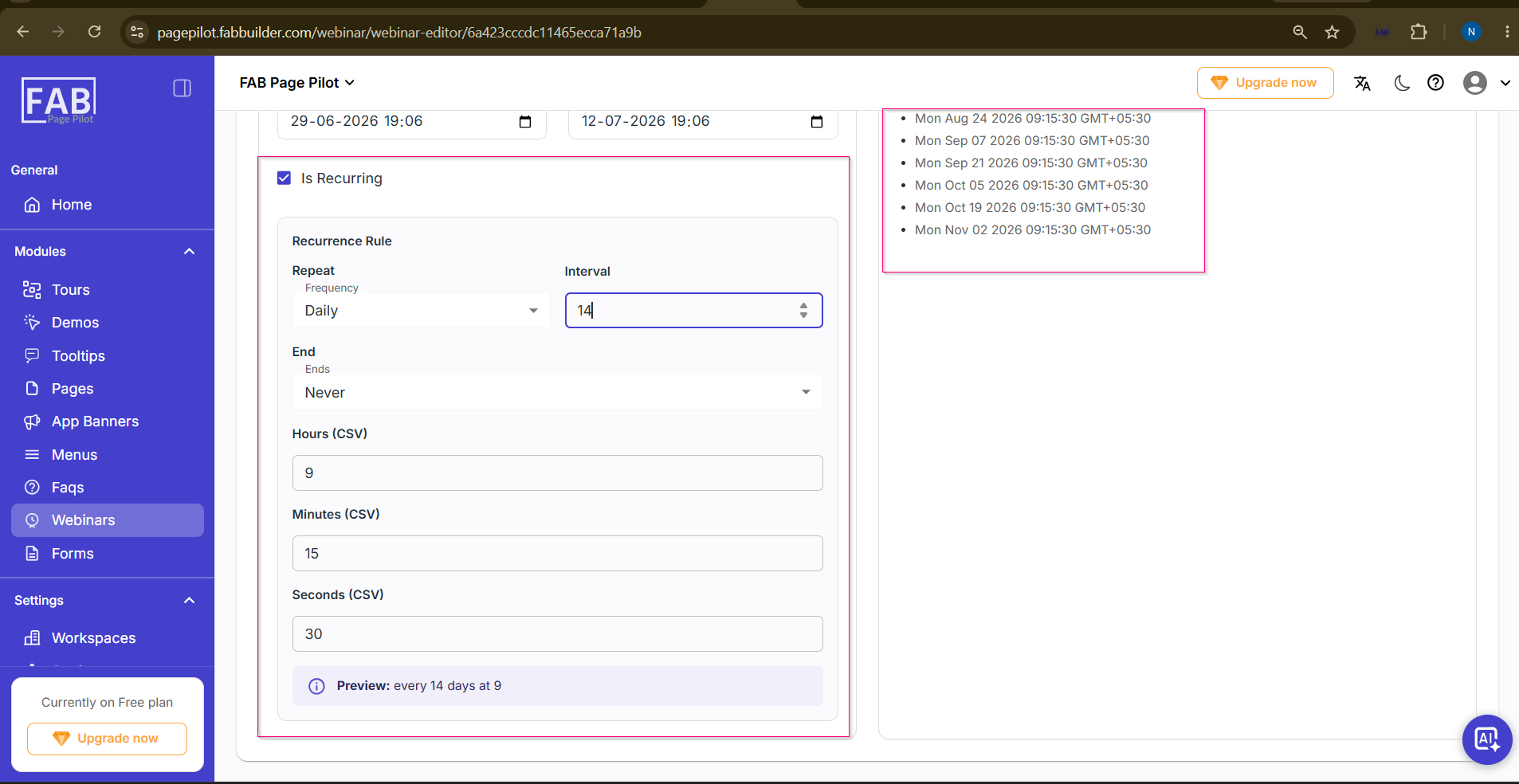
| Is Recurring | Enables or disables recurring webinar sessions.
|
| Repeat (Frequency) | Selects how often the webinar repeats (Daily, Weekly, Monthly, etc.).
|
| Interval | Defines the number of frequency units between each occurrence. For example, an interval of 2 with Daily repeats the webinar every 2 days. |
| Ends | Specifies when the recurring schedule ends (Never, On a specific date, or After a certain number of occurrences). |
| Hours,Minutes,Second (CSV) | Specifies one or more hours for recurring webinar sessions using comma-separated values (e.g., 9,12,18). |
| Next Few Occurrences | Displays the upcoming webinar sessions based on the configured recurrence rule.
|
Steps to Schedule the Webinar
-
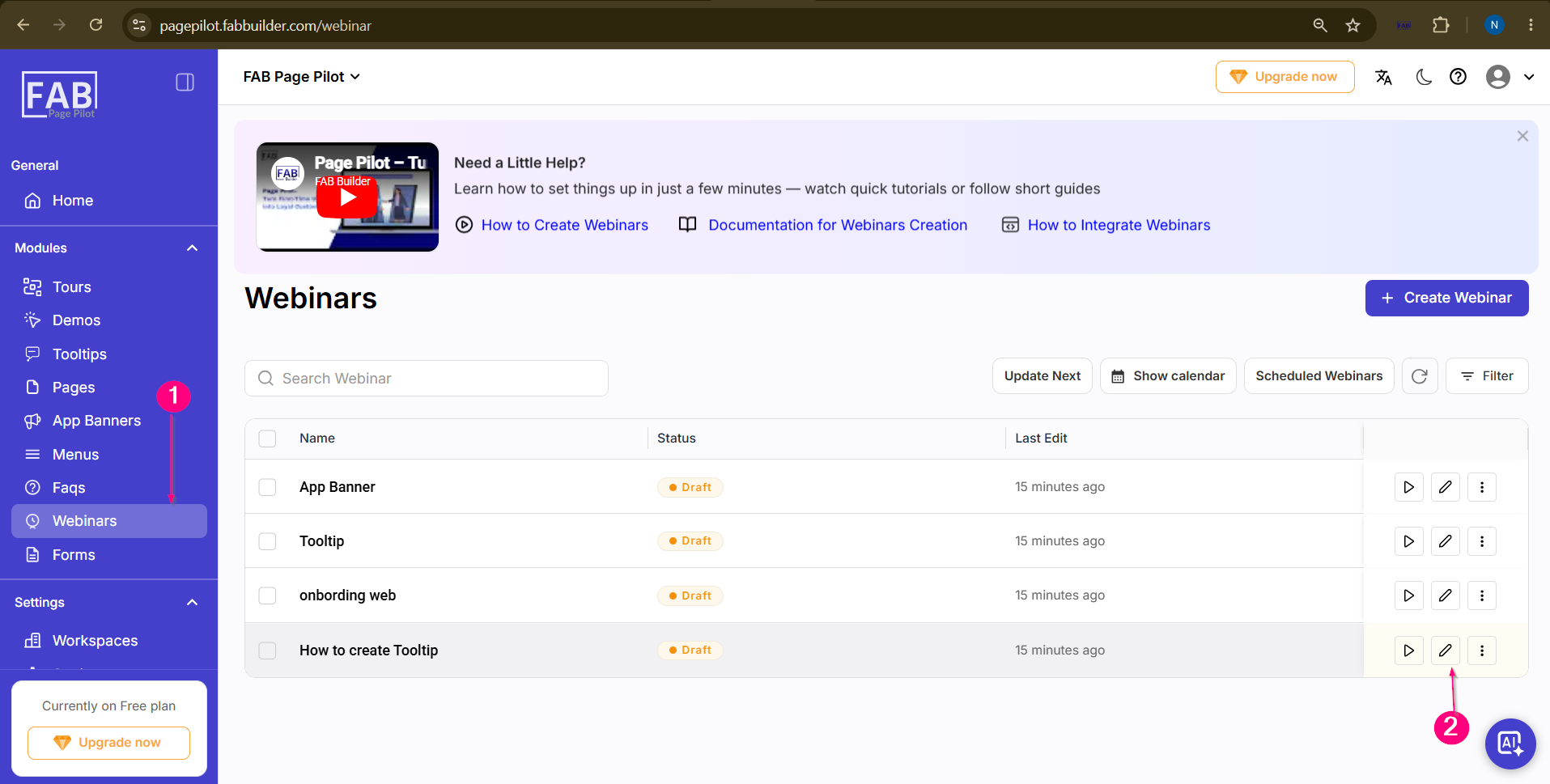
Open the Webinars module.
-
Select the required webinar and click Edit.