Appearance Settings Guide: Customize Accent Color and Theme
Appearance Settings:
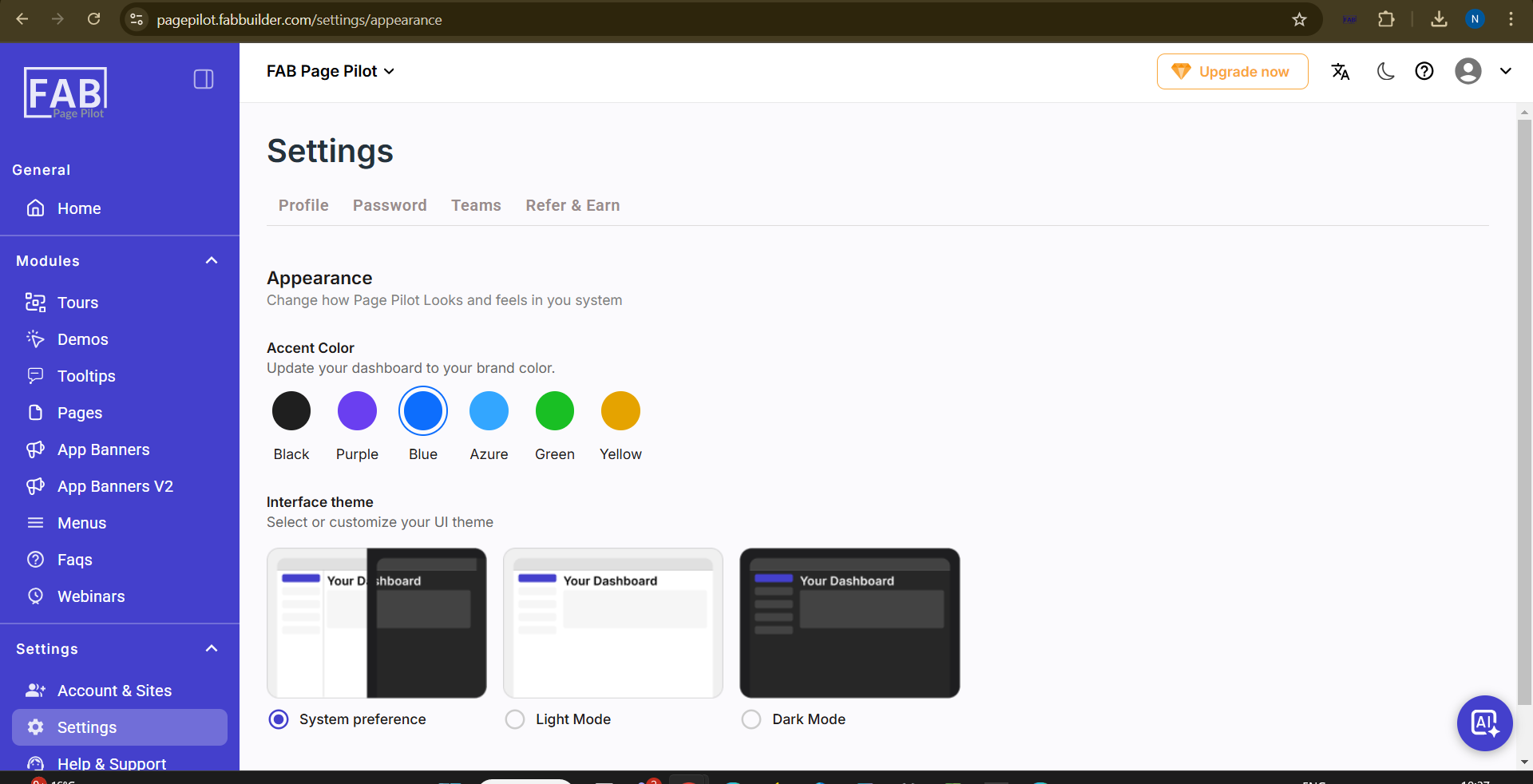
Users can navigate to this screen by going to Settings → Appearance. This screen allows users to customize the look and feel of the application by selecting an accent color and choosing an interface theme (System Preference, Light Mode, or Dark Mode).
Screen-Appearance