How to Enable Two-Factor Authentication (2FA) for Your Account
Two-Factor Authentication (2FA):
Users can navigate to this screen by going to Settings → Security (or Profile, as applicable). This screen allows users to enable two-factor authentication to enhance account security. Users can choose to receive a one-time passcode via SMS or use an Authenticator App (TOTP) during login.
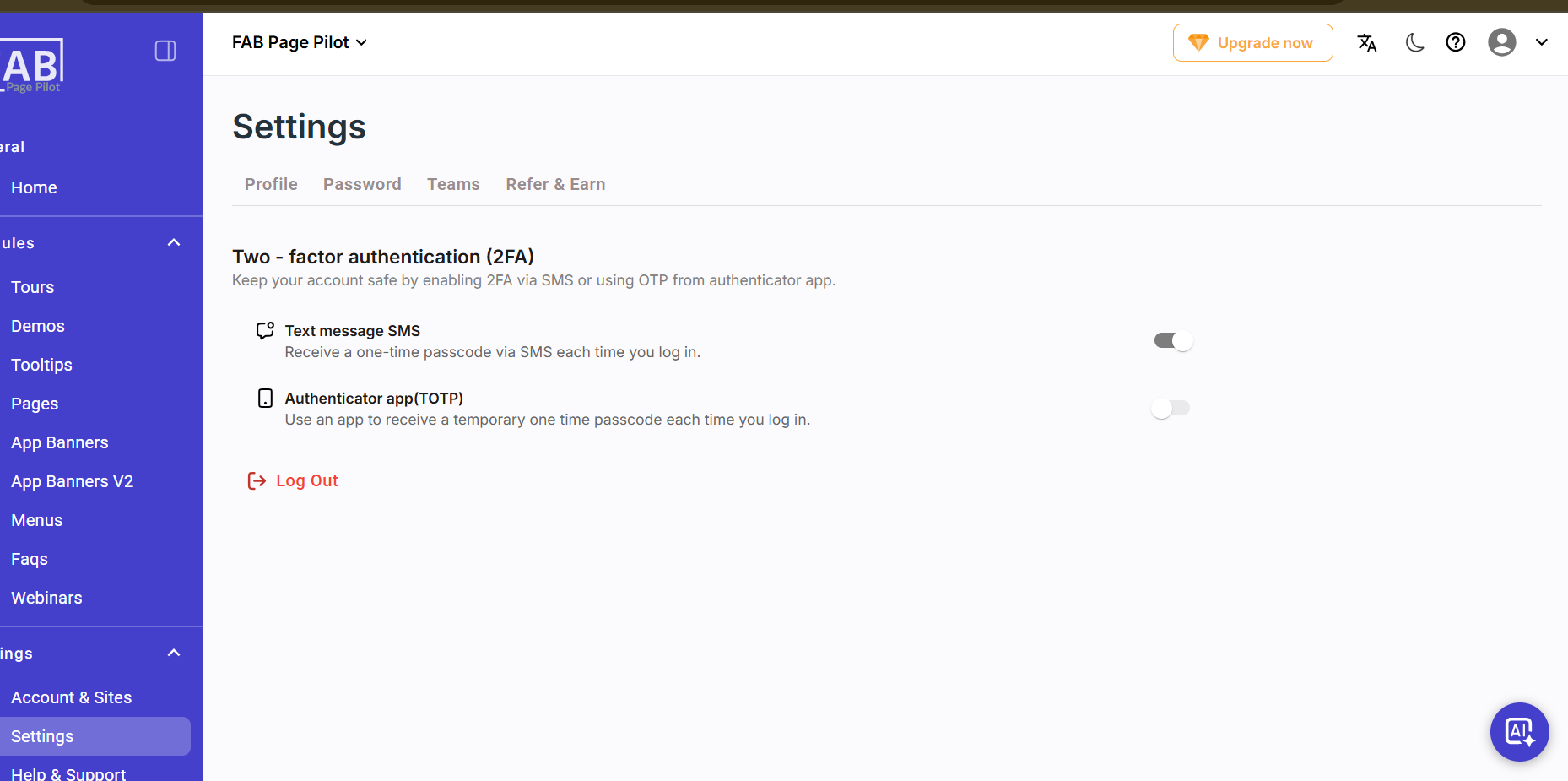
Screen-Two-Factor Authentication