Share Code
Share Tracking Code with Developer
This section allows the user to share the Page Pilot tracking code with their developer for installation.
Purpose
The tracking code must be installed in the target website or application to enable Page Pilot features such as Tours, Tooltips, Banners, and Analytics.
How It Works
- The user enters the developer’s email address in the provided input field.
- After submission, Page Pilot automatically sends an email to the specified address.
- The email contains:
- The unique tracking script
- Step-by-step installation instructions
- The developer adds the tracking script to the website or application code (typically inside the <head> section).
- Once deployed, the website becomes successfully connected to Page Pilot.
Outcome
After successful installation:
- Interactive Tours and Tooltips will function on the website.
- Banners will be displayed as configured.
- User interaction data will start tracking for analytics
This step ensures proper integration between Page Pilot and the client’s website or application.
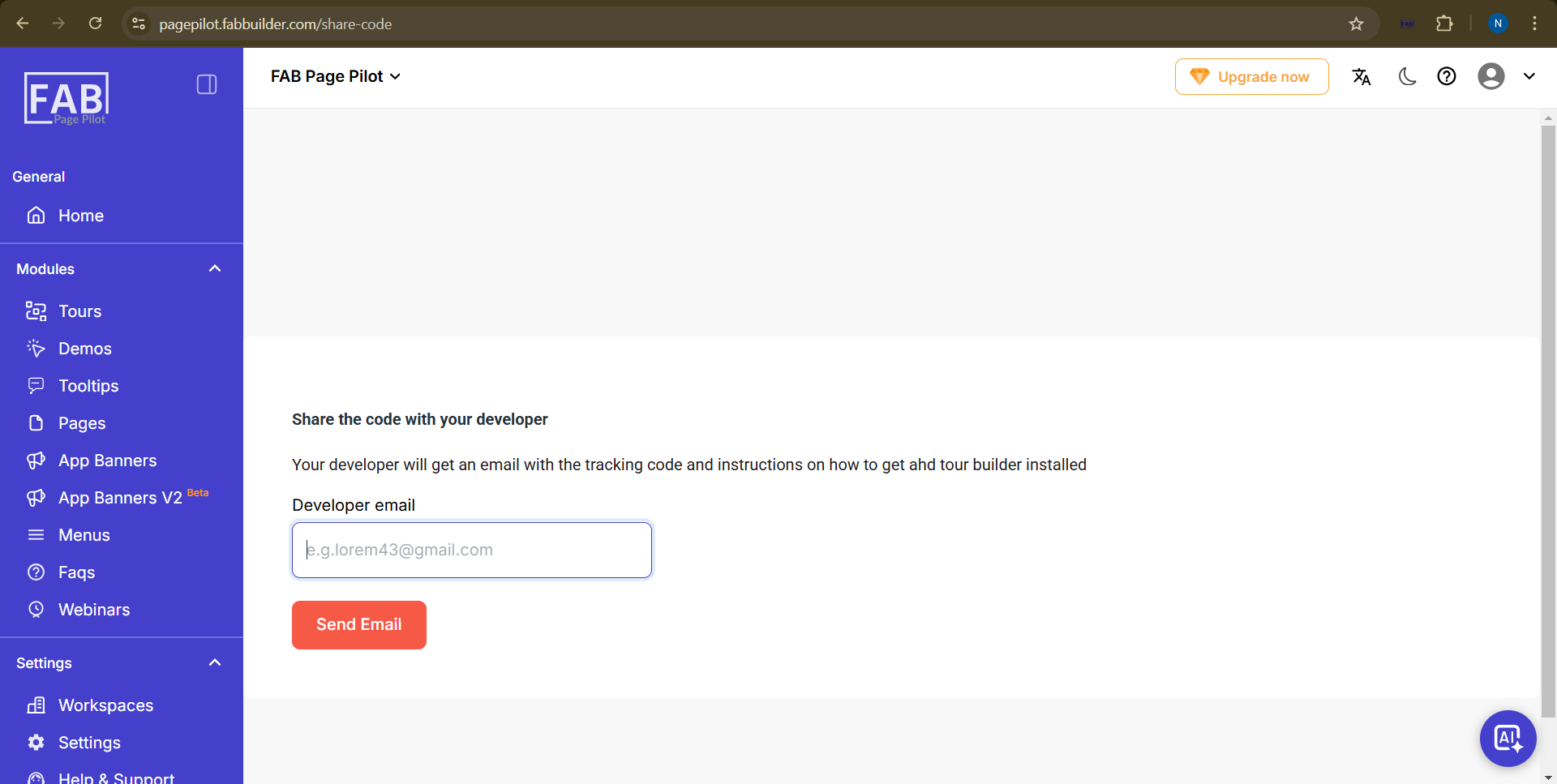
Screen- Share Code