Template
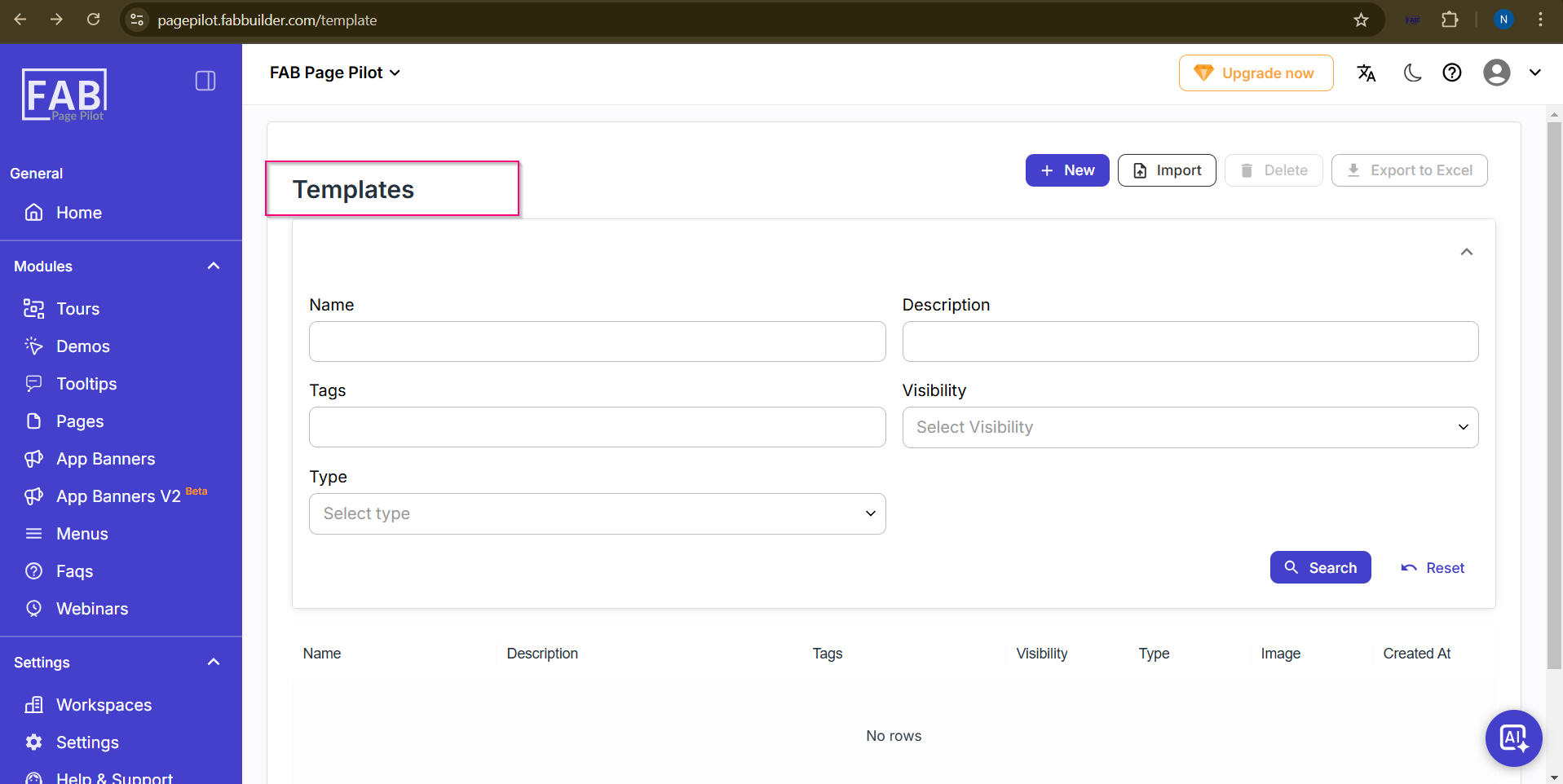
This screen allows users to view all previously added templates. Users can search for specific templates by entering relevant details in the search fields. The system displays the matching results in the list section below the search area.
Users also have the option to create a new template or import templates in bulk using the available Create and Import options.
The section below the search panel displays the list of added templates. If no templates are available, the system will display a “No Row” message.