Template Importer
Import Templates Screen
The Import Templates screen allows users to upload templates in bulk using a predefined template file.
Available Options:
- Download the Template – Users can click this option to download the predefined template file. This file must be filled with the required template details before uploading.
- File Upload Area – Users can upload the completed file by:
- Clicking inside the upload area to browse and select the file, or
- Dragging and dropping the file into the designated upload section.
The system processes the uploaded file and imports the templates accordingly.
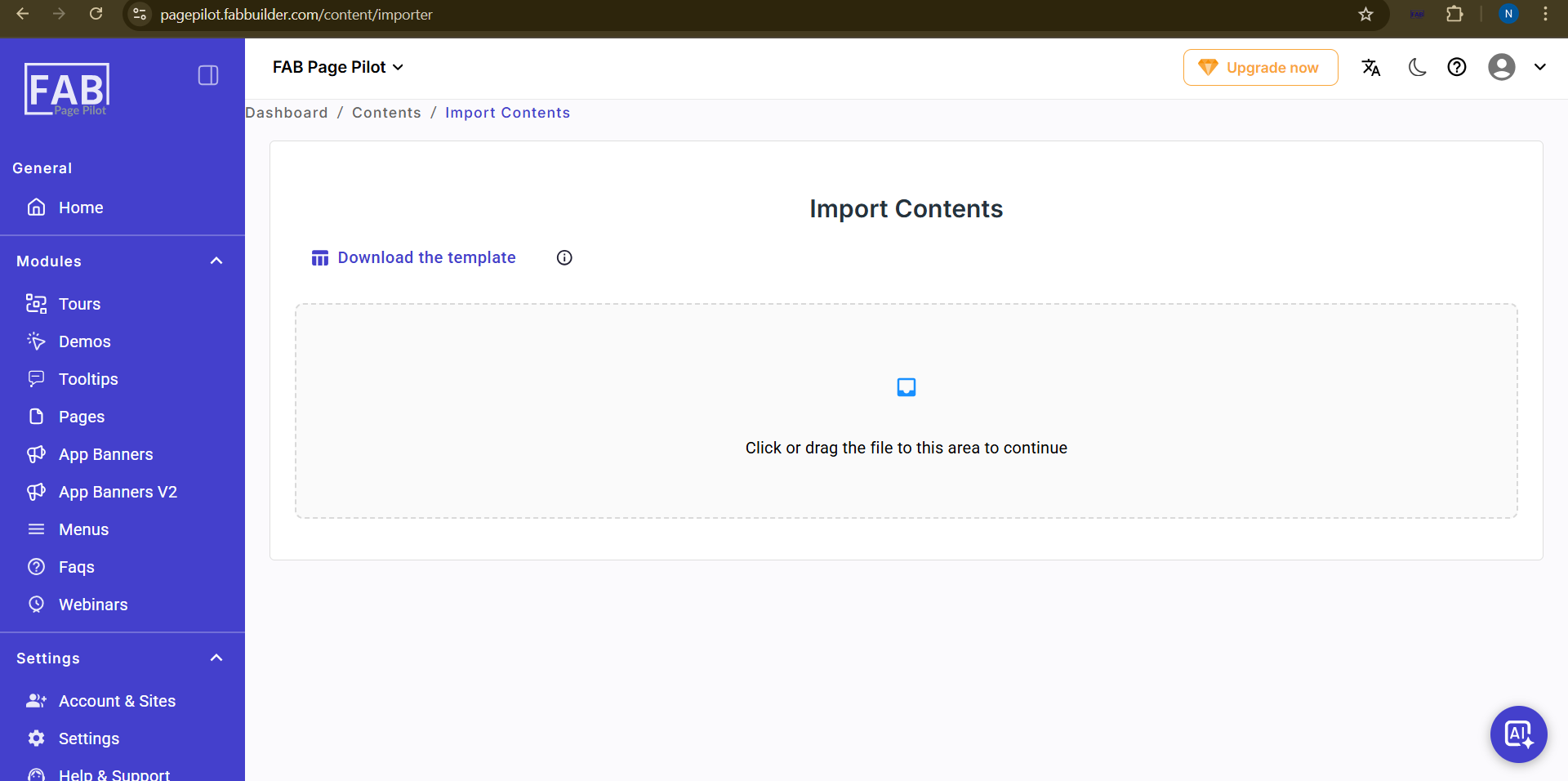
Screen-Import Templates