Template New
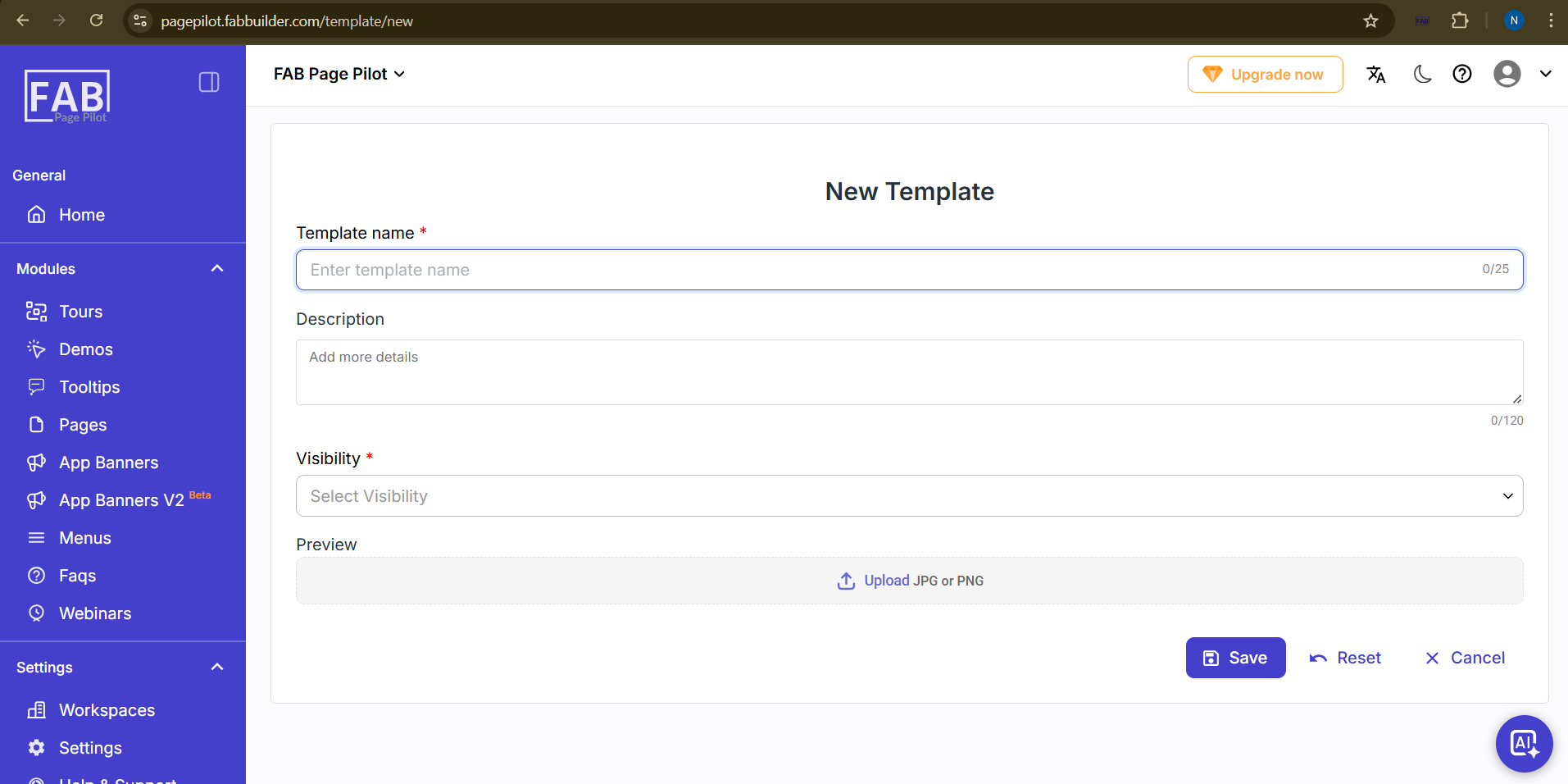
New Template Screen
The New Template screen allows users to create a new template by entering the required details in the provided fields.
Fields Available:
- Template Name* – Enter the name of the template (maximum 25 characters).
- Description – Add additional details about the template (maximum 120 characters).
- Visibility* – Select the visibility option from the dropdown menu.
- Preview – Upload an image file (JPG or PNG format) to display as a preview of the template.
Actions Available:
- Save – Click to save the template after entering all required details.
- Reset – Click to clear all entered information.
- Cancel – Click to discard the changes and return to the previous screen.