Tooltip View
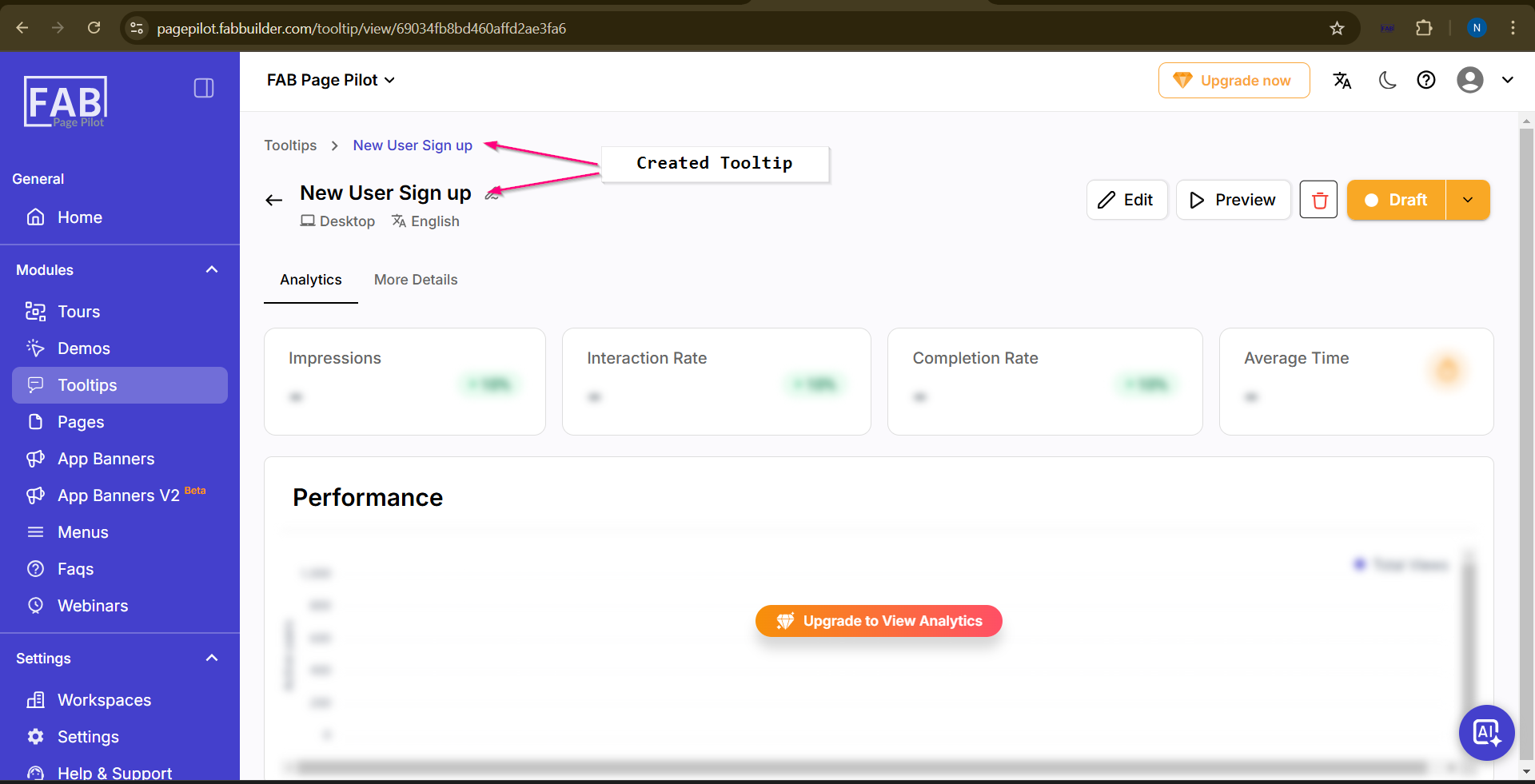
Users can view all details of the created tooltip (as shown "New User Sign up).
The user can switch between the following toggles:
- Analytics – User can analyze visitor interaction with the tooltip by selecting analytics toggle.Tooltip performance is shown by graphical representation for better understanding.
- More Details – To view additional tooltip information
From this screen, users can also:
- Edit the existing tooltip
- Preview the tooltip
- Delete the created tooltip
This allows complete management of the tooltip directly from the same screen.