Type Settings
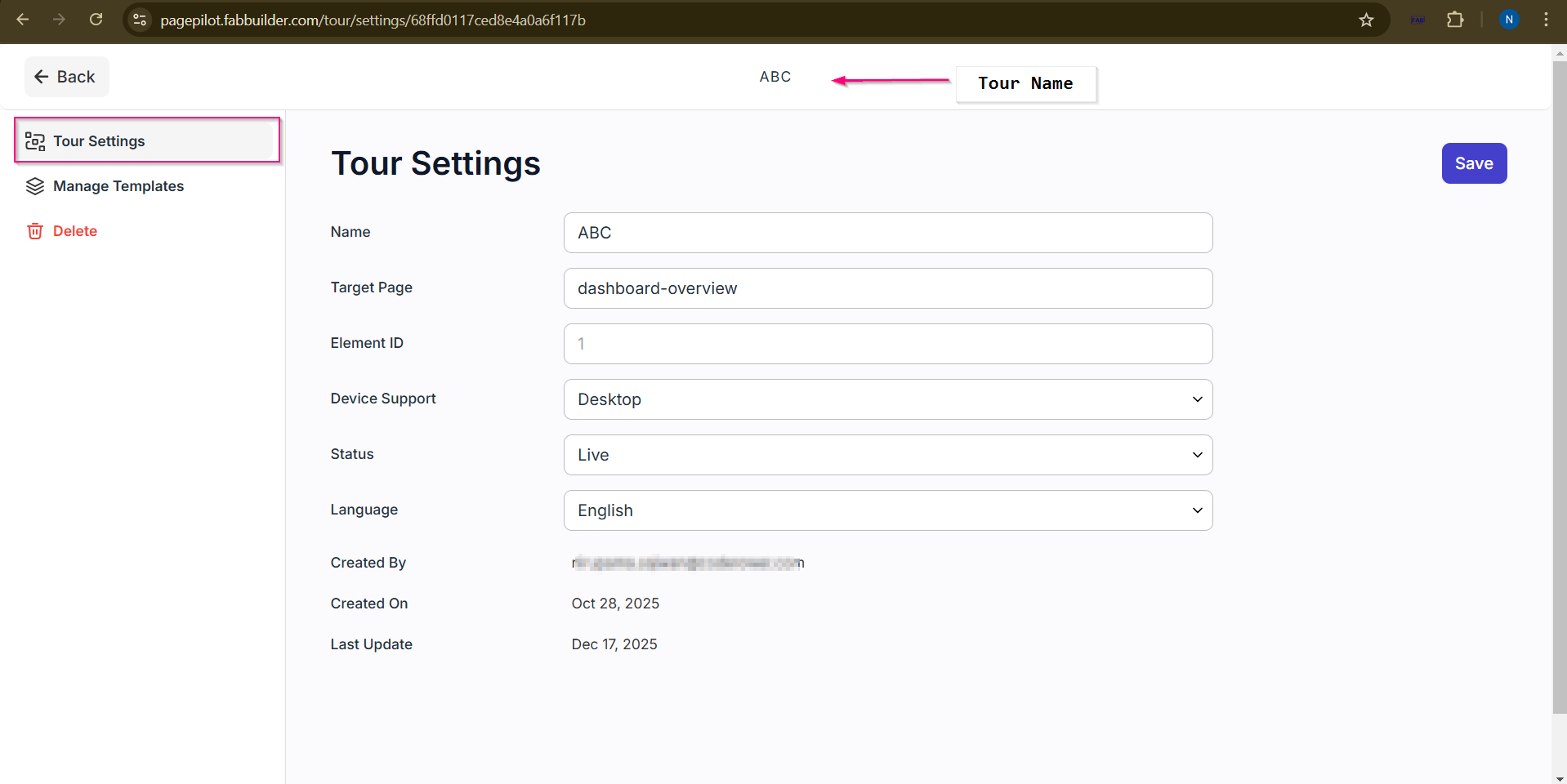
This screen is allows user to change the tour details such as name ,target page,element id ,device support,status,language by clicking on setting button on visual editor screen. User can also manage the created or predefined template by navigating manage template section on left side . To delete the tour permanently if it is nolonger required by clickin on delete button on left side.